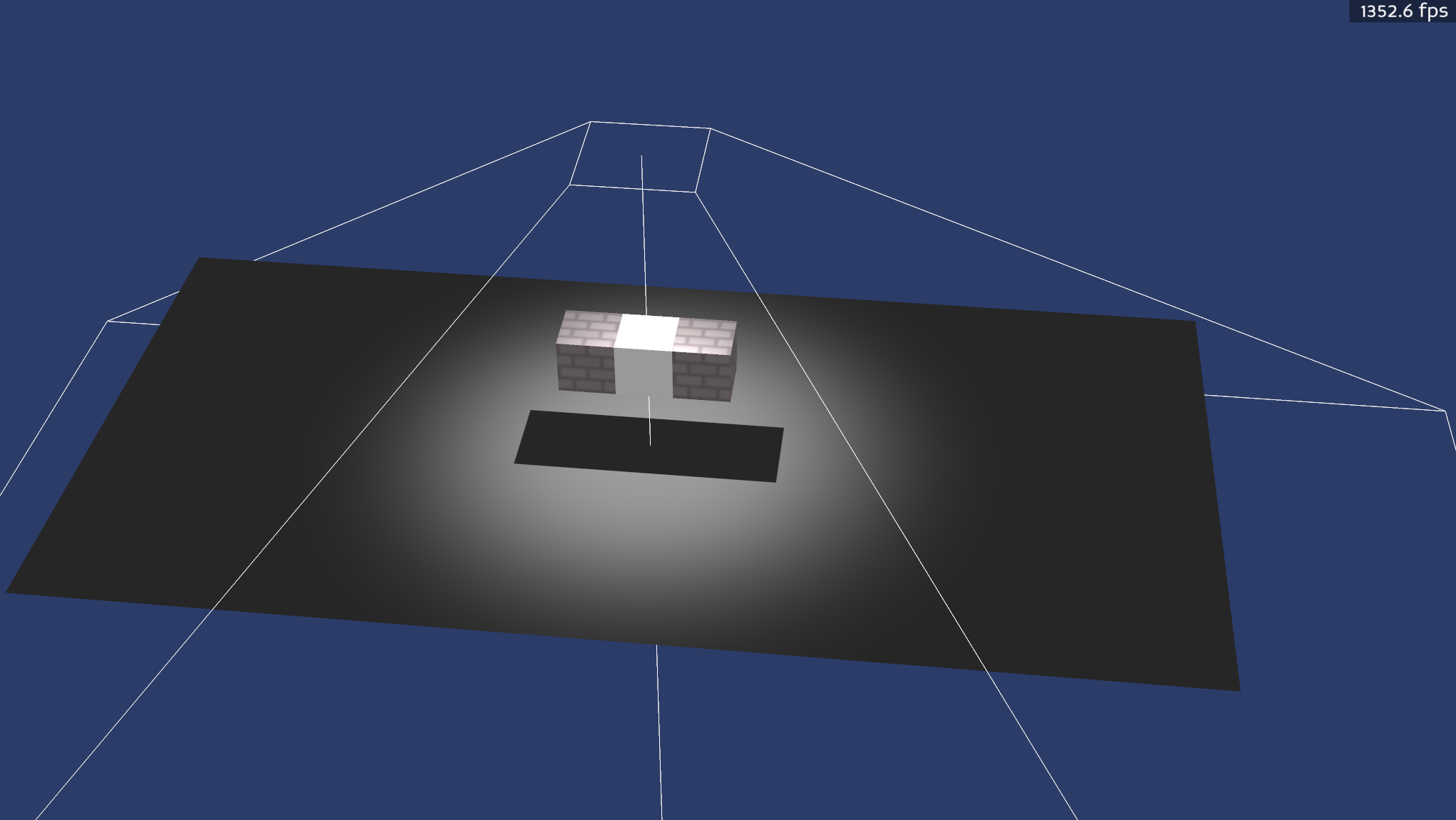
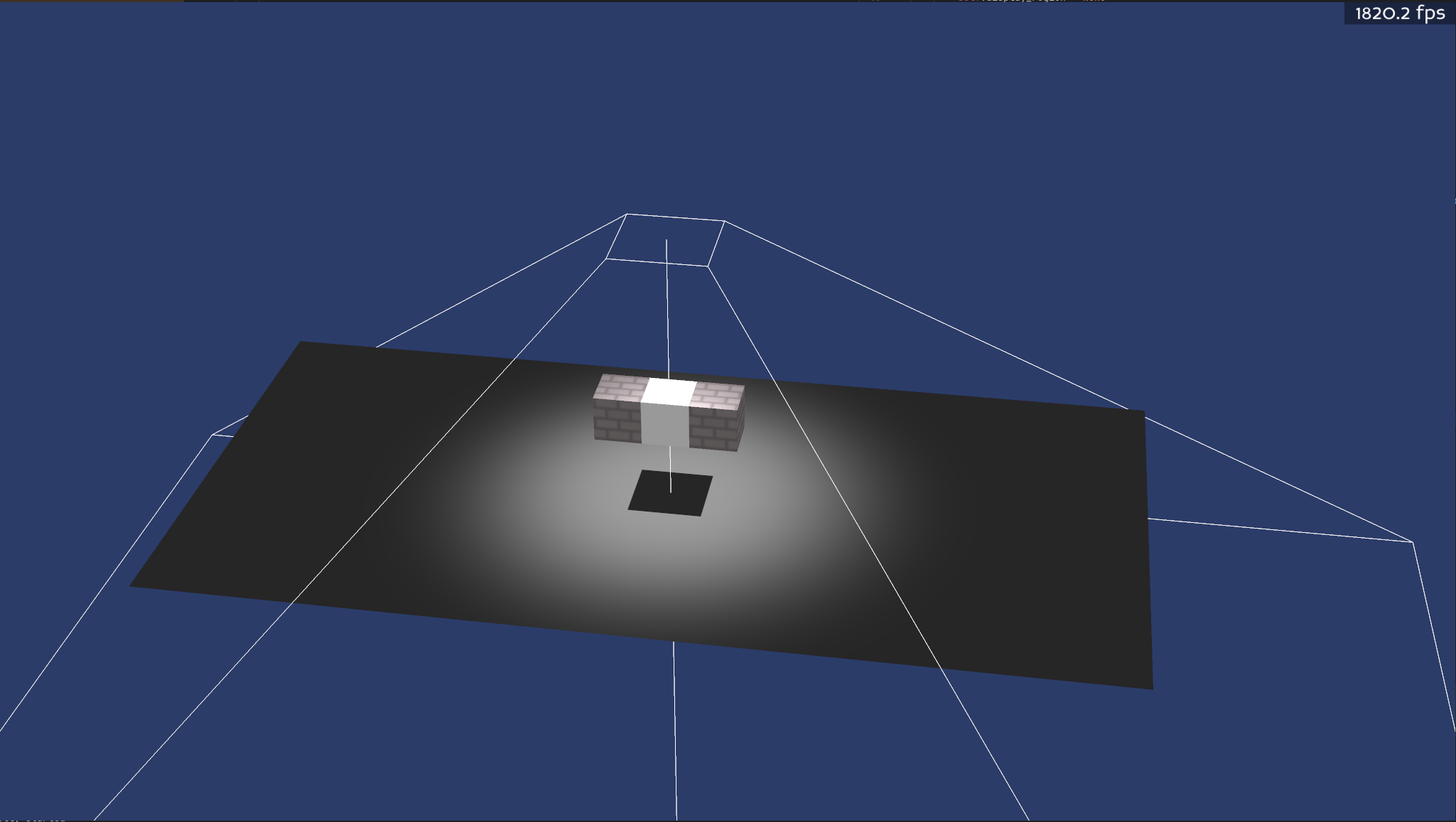
Hi, I was looking into Hardware instancing: shadows on instances and how shadows affect instances and have kind of hit a roadblock where I don’t really know how to pass. Currently for my own custom implemented lights, I’m applying a shader to the light camera node like how simplepbr does as I saw some decent performance gains out of doing this. It has worked completely flawlessly until now when I have tried to implement instancing. When I apply the shader, Instances are no longer included in the shadow buffer. When I don’t apply the shader, the hardware instances are visible but there is a performance hit.
Note that the middle white cube is not instanced and it just there to prove that shadows are working. I mean when we compare the milliseconds 0.56 milliseconds with the shader compared to 0.75 milliseconds without the shader isn’t actually that large but it can scale is there are more lights in the scene. Also, I would just love to squeeze as much performance as I can.
Is this some funny thing to do with the shader generator? Is it maybe a render attribute I missed and didn’t add to the camera?
To understand your setup correctly, you have added a custom shader to the light camera node? Does it override the hardware instancing shader applied to the object? You can only have one shader applied to an object at a time.
You can set the hardware instancing shader with an override value so that it overrides what’s on the light.
The hardware instance shader is imbedded into my render pipeline. I just call setInstanceCount() to activate the instancing, then I feed a texture buffer with some transform information.
I have a simple shader that does indeed override any other attribute / shader on the node through using camera.setInitalState(state)
Okay, so the solution is clear, you have to do one of these things:
Support hardware instancing in the shader applied to your light camera
Set the shader on the node to override the one on the light camera
Apply a new shader that combines both your light shader and your hardware instancing shader which is conditionally applied upon the node using a tag state
i have never figured out how to get the custom shaders instances to work with panda3d’s shaders
so its one or the other
you can apply the custom shader to all objects
and just use
plane.setShader(shadershadows)
plane.setShaderInput(“isInstanced”, False) #use this for unique objects you don’t intend on instancing
add the custom shader to both the plane and white cube and set isInstanced to False
i think the problem being the instances just don’t exist to panda3d’s shader system
Option 1: I don’t think will be possible. I supply the instance information per object so each instance object gets unique data.
Option 3: As with option one, It won’t be possible due to the uniqueness of each shader instance data input.
Option 2: I think this may be the only option that will work with the current system I have. When you say overide, you mean just a higher sort value?
Yea I have something similar to this. I just set the render pipeline shader on every node and have a value of is_instance where by default, it is set to 0 (off).
Yes, option 2 seems reasonable. Yes, what does your code look like to apply the shader to the node and to the camera? Applying it to the node will just be obj.setShader(shader, 10) or something.
I’m using states derived from shaders so it will be like this:
render_pipline_attribute = shaderAttrib.make(pipline_shader)

#this also means the every node should get a copy of this attribute
render.set_attrib(render_pipline_attribute, 2)

shadow_shader_attrib = shaderAttrib.make(camera_shader)

state = RenderState.makeEmpty()
state.add_attrib(shadow_shader_attrib, 1)
light_camera.setInitalState(state)
I’m using Attributes because I also included hardware skinning for animated models and need to set the flag for it as true.
This code won’t actually work. state.add_attrib returns a new RenderState and leaves state untouched. So if you’re using this, then you haven’t actually been applying a shader to the light camera.
You can specify an override parameter to the add_attrib call and you can specify a priority parameter to the ShaderAttrib.make() call. I’m not 100% sure which actually does what we need, but you could specify both to be on the safe side.
self._light.setShaderAuto()
state = RenderState.makeEmpty()
state = state.addAttrib(DepthTestAttrib.make(DepthTestAttrib.MLessEqual))
state = state.addAttrib(DepthWriteAttrib.make(True))
state = state.addAttrib(ColorWriteAttrib.make(False))
state = state.addAttrib(LightAttrib.makeAllOff())
state = state.addAttrib(FogAttrib.makeOff())
state = state.addAttrib(MaterialAttrib.makeOff())
state = state.addAttrib(ColorAttrib.makeOff())
#state = state.addAttrib(TransparencyAttrib.makeOff())
#state = state.addAttrib(AlphaTestAttrib.makeOff())
self._light.camera.setInitialState(state)
I just disabled a bunch of attributes on the camera and it gave much bigger performance boost than any shader I tried.
For my directional light test (on a minimal scene with some simple geometry), without disabling the attributes I got 1.5 milliseconds but when I disable attributes, it goes down to a much nicer 0.3 milliseconds while also still being able to shadow cast onto instances. NICE!
Its really confusing though because when I print light.camera.getInitalState() or light.camera.getState() It always came back as “empty” but it looks like in the background, these attributes still get applied (or are applied later when a node with a certain attribute is added). Maybe a missed something in the documentation that explains how camera render states work.
It’s probably especially the ColorWriteAttrib. We actually assign this by default as a light’s initial state. But it’s not surprising that other attributes may help as well.
getState is not the same as getInitialState (plain old getState/setState don’t affect anything for a camera - that would just apply to any models that were parented to the camera). Using getInitialState after setInitialState shouldn’t show an empty state.