So I was having a lot of fun starting a videogame project and learning panda3d. I loaded a free rigged tank model from a .glb file I found in sketchfab using the Actor class. It looked gorgeous. So I tried animating it.
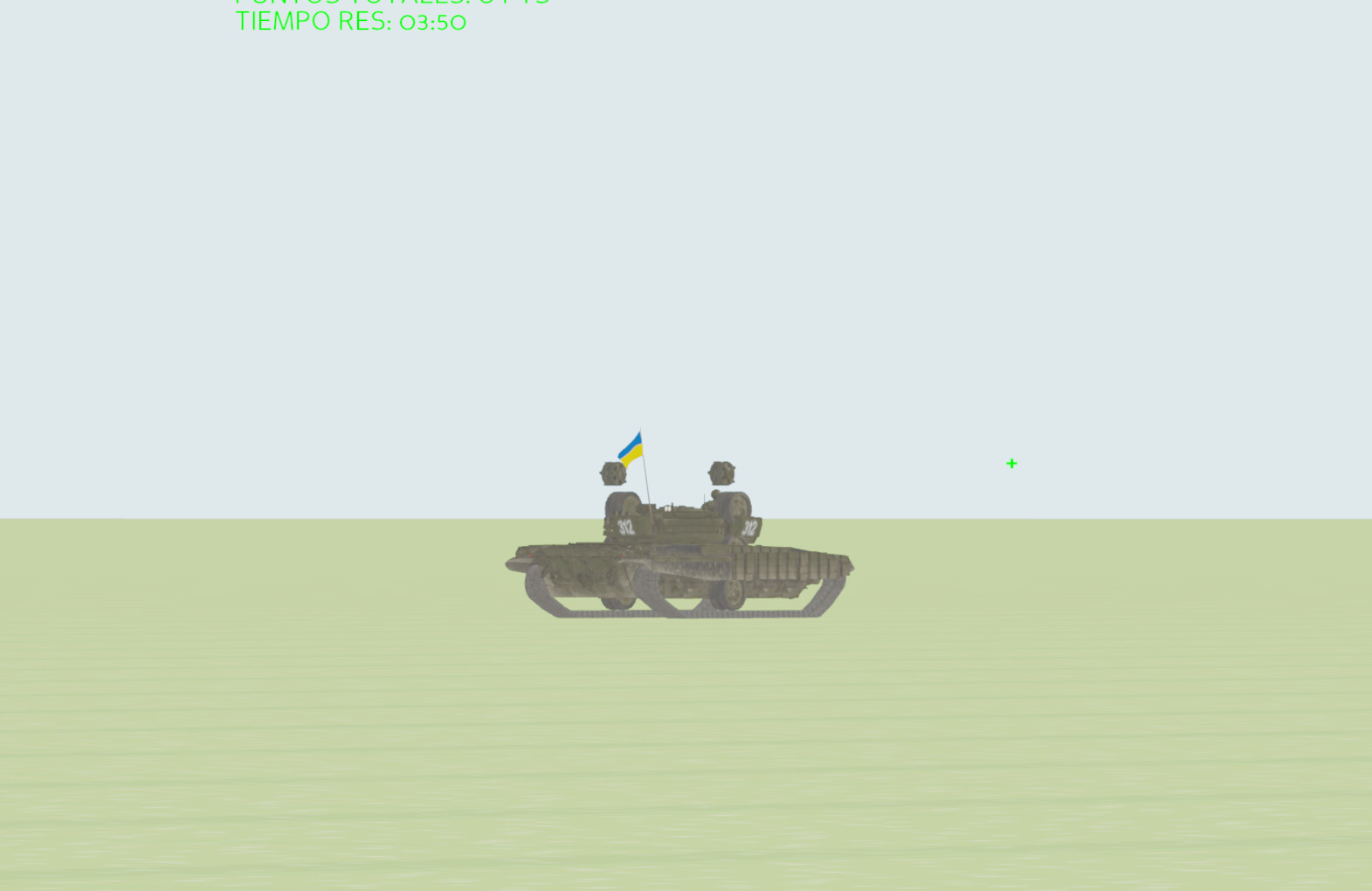
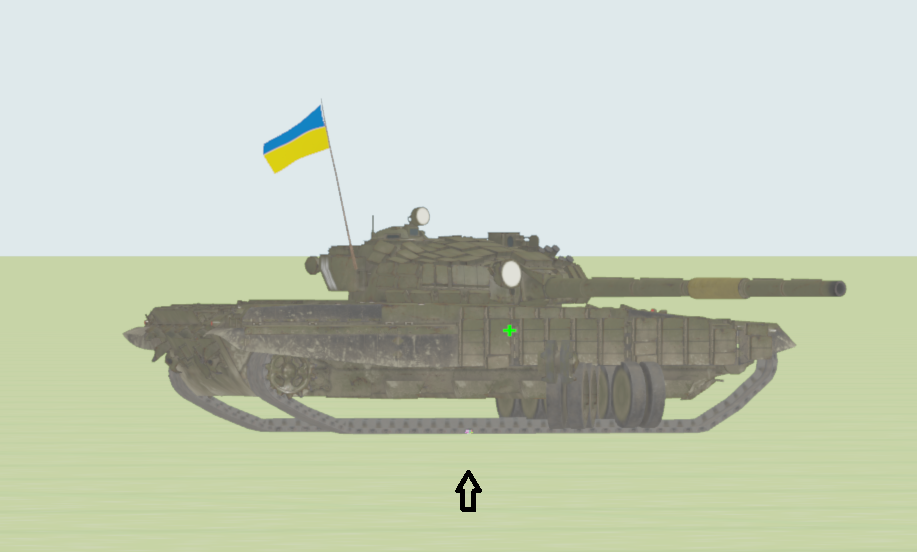
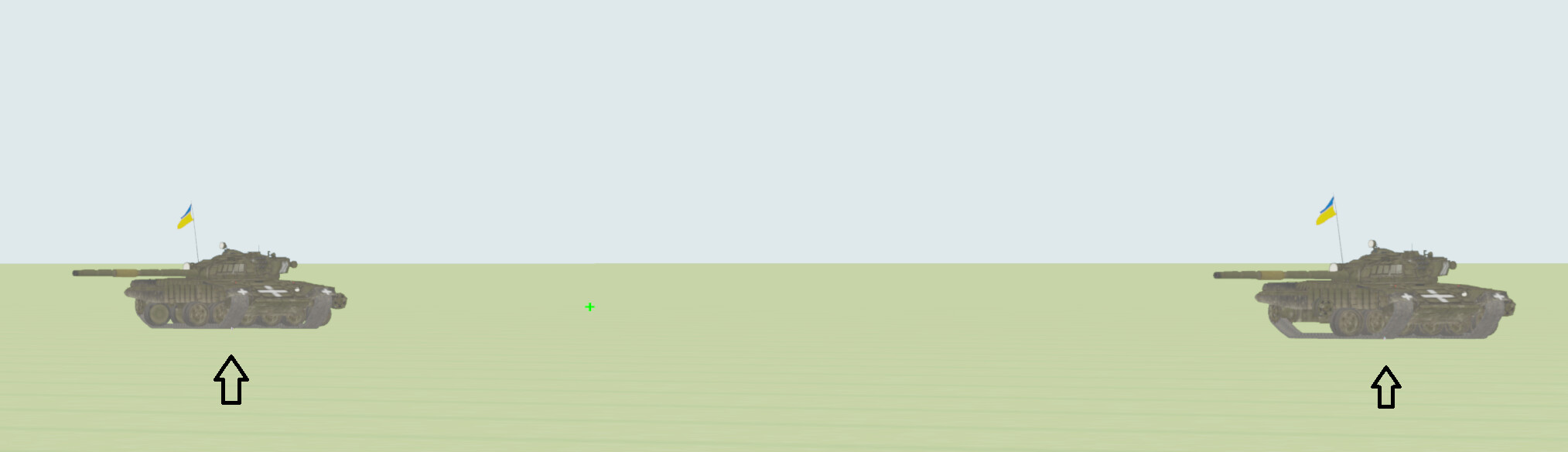
I started with the turret and rotated it with setHpr until I found the correct axis. It was so easy so I tried spinning the wheels within their axis. Which is something I did first within blender in pose mode and had no issue. But no matter how I tried the wheels allways rotated from the root skeleton bone as seen in the next picture:
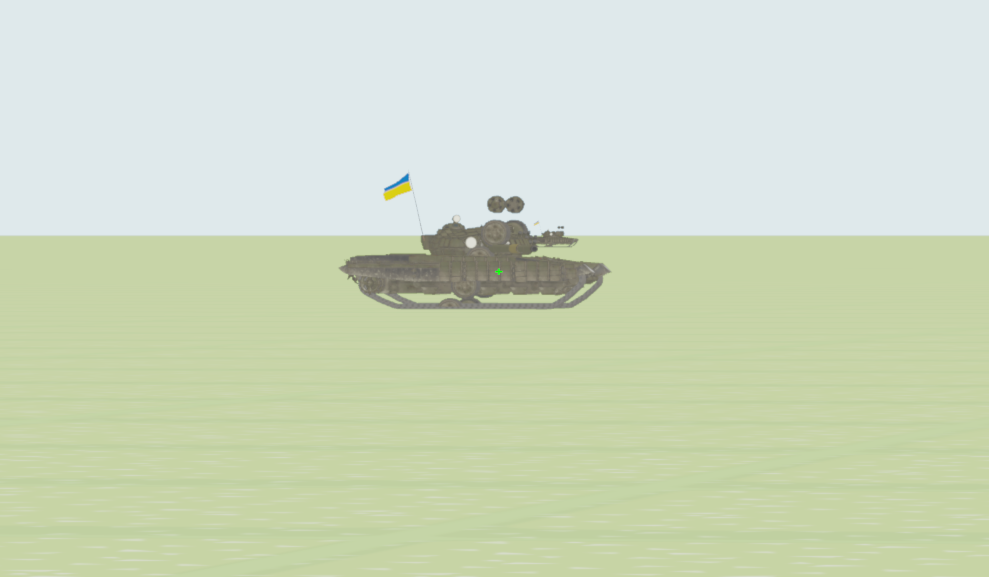
This code fragment initializes my model, the next fragment is where the issue occurs
class T72Target:
    def __init__(self, render, pos, model_base, speed_multiplier=1.0):
        self.width = 7.5
        self.length = 4.0
        self.height = 2.4

        self.node = render.attachNewNode("T72_Target")

        self.model = Actor(model_base)
        self.model.reparentTo(self.node)


        self.model.setHpr(0, 0, 0)
        self.model.setZ(0)
        self.model.setScale(.0095)

        self.turret_bone = self.model.controlJoint(None, "modelRoot", "C_Turret")
        self.barrel_bone = self.model.controlJoint(None, "modelRoot", "C_Gun")


        self.c_node = CollisionNode('target_collision')
        c_box = CollisionBox(Vec3(0, 0, self.height / 2), self.width / 2, self.length / 2, self.height / 2)
        self.c_node.addSolid(c_box)

        self.c_node.setIntoCollideMask(BitMask32.bit(1))
        self.c_np = self.node.attachNewNode(self.c_node)
        self.c_np.setPythonTag("target_object", self)

        self.node.setPos(pos)
        self.speed = random.choice([-15.0, -1.0, 1.0, 15.0]) * speed_multiplier
        self.is_destroyed = False

        #Here is where I seach the wheel bones, no issue yet
        self.LT_Wheels = [self.model.controlJoint(None, "modelRoot", "L_Wheel_0{n}".format(n=i)) for i in range(1,8)]

        self.RT_Wheels = [self.model.controlJoint(None, "modelRoot", "R_Wheel_0{n}".format(n=i)) for i in range(1,8)]
But when I try to rotate each individual wheel, no matter how many. They rotate along the root:
#These are the methods where the issue happened
   def rotate_left_track(self, speed, dt):

          instant_speed = speed  * dt
          #Here
          for wheel in self.LT_Wheels:
              wheel.setH(wheel.getH() + instant_speed)

  def rotate_rigth_track(self, speed, dt):

          instant_speed = speed  * dt

          #and here, no matter the axis, H P or R

          for wheel in self.RT_Wheels:
              wheel.setH(wheel.getH() + instant_speed)

#here are the rest

    def rotate_turret(self, speed, dt):
        r = self.turret_bone.get_r()
        self.turret_bone.set_r(r+speed*dt)

    def update(self, dt):
        if self.is_destroyed:
            return
        current_pos = self.node.getPos()
        current_pos.x += self.speed * dt
        if abs(current_pos.x) > 400:
            self.speed *= -1
        self.node.setPos(current_pos)

        self.rotate_turret( 15, dt)

        #This is where the issue happens
        self.rotate_left_track(self.speed , dt)
        self.rotate_rigth_track(self.speed , dt)

    def destroy(self):
        self.is_destroyed = True
        self.node.removeNode()
I don’t want to risk breaking the share your own stuff guideline so I won’t include the link to the model from sketchfab (Unless it’s ok ).
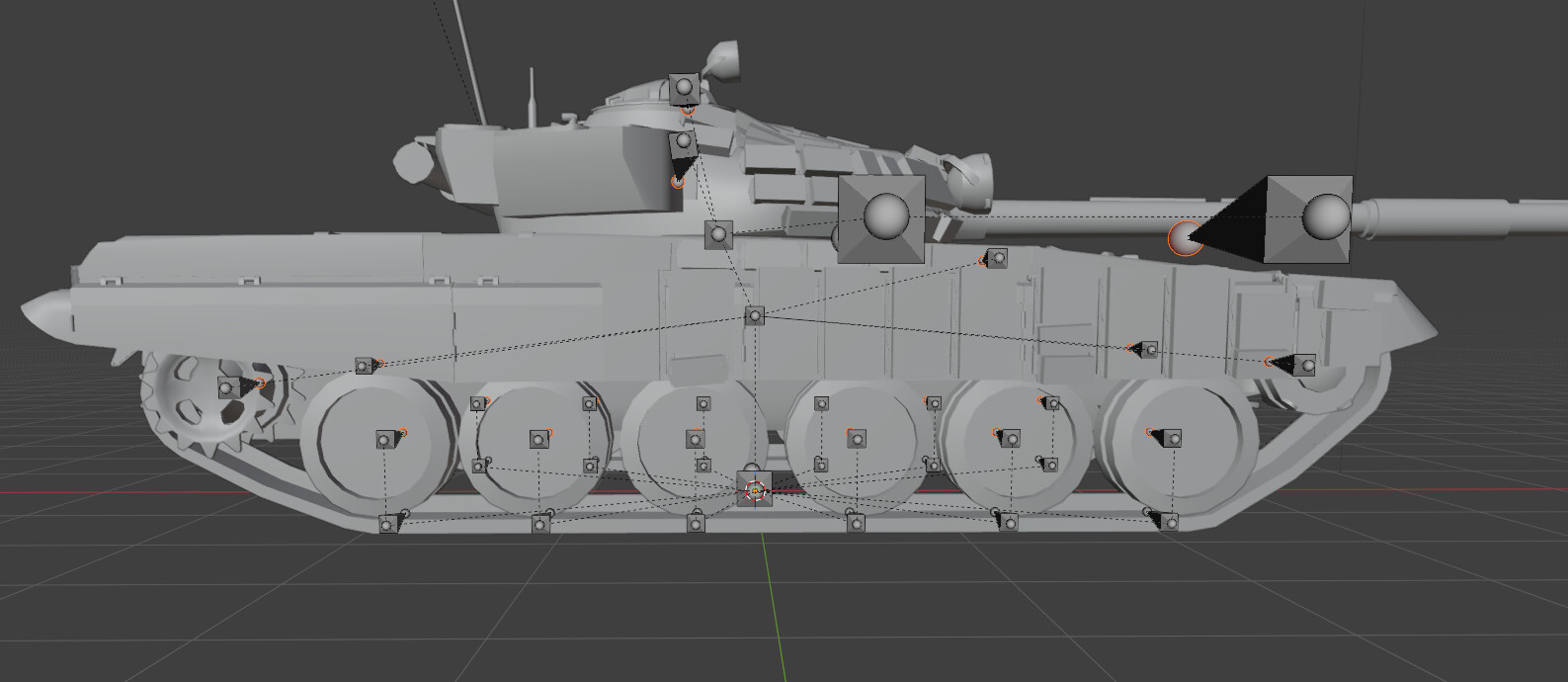
Here is the bone hierarchy:
CharacterJointBundle T72B_Model {
  PartGroup <skeleton> {
    LMatrix4f Skeleton {
      LMatrix4f Root {
        LMatrix4f C_Cog {
          LMatrix4f C_Driver_Hatch
          LMatrix4f C_Turret {
            LMatrix4f C_Commander_Hatch
            LMatrix4f C_Gun {
              LMatrix4f C_Gun_01
            }
            LMatrix4f C_Hatch
          }
          LMatrix4f L_Wheel_01
          LMatrix4f L_Wheel_09
          LMatrix4f R_Wheel_01
          LMatrix4f R_Wheel_09
        }
        LMatrix4f L_Wheel_02_Track {
          LMatrix4f L_Wheel_02
        }
        LMatrix4f L_Wheel_03_Track {
          LMatrix4f L_Wheel_03
        }
        LMatrix4f L_Wheel_04_Track {
          LMatrix4f L_Wheel_04
        }
        LMatrix4f L_Wheel_05_Track {
          LMatrix4f L_Wheel_05
        }
        LMatrix4f L_Wheel_06_Track {
          LMatrix4f L_Wheel_06
        }
        LMatrix4f L_Wheel_07_Track {
          LMatrix4f L_Wheel_07
        }
        LMatrix4f R_Wheel_02_Track {
          LMatrix4f R_Wheel_02
        }
        LMatrix4f R_Wheel_03_Track {
          LMatrix4f R_Wheel_03
        }
        LMatrix4f R_Wheel_04_Track {
          LMatrix4f R_Wheel_04
        }
        LMatrix4f R_Wheel_05_Track {
          LMatrix4f R_Wheel_05
        }
        LMatrix4f R_Wheel_06_Track {
          LMatrix4f R_Wheel_06
        }
        LMatrix4f R_Wheel_07_Track {
          LMatrix4f R_Wheel_07
        }
      }
    }
  }
  PartGroup morph {
  }
}