complexpbr Release 0.6.3 Update
panda3d-complexpbr 0.6.3 is now available via pip: panda3d-complexpbr 0.6.3 PyPI
This release adds distributable build logic to complexpbr. A new “dist” boolean has been added to both apply_shader() as well as screenspace_init() . This flags the internal logic to sample from complexpbr shader files included in the application distribution directory, or to sample them from module scope.
To assist with this process, a new helper function, complexpbr.copy_to_dist() allows a user to copy all shader files automatically into their program directory before they build with build_apps. This can simply be called once during development before building. It should not be left on in the distributable build itself.
When set to False, the new default, complexpbr utilizes importlib.resources internally to load shader files from the Python module itself. This keeps your working directory clean until you actually build a distributable.
complexpbr.copy_to_dist()
# complexpbr.copy_to_dist() (turn this off before building the distributable)
complexpbr.apply_shader(self.render, dist=True) (new convention for dist builds)
complexpbr.screenspace_init(dist=True) (new convention for dist builds)
2 Likes
complexpbr Release 0.6.4 Update
panda3d-complexpbr 0.6.4 is now available via pip: panda3d-complexpbr 0.6.4 PyPI
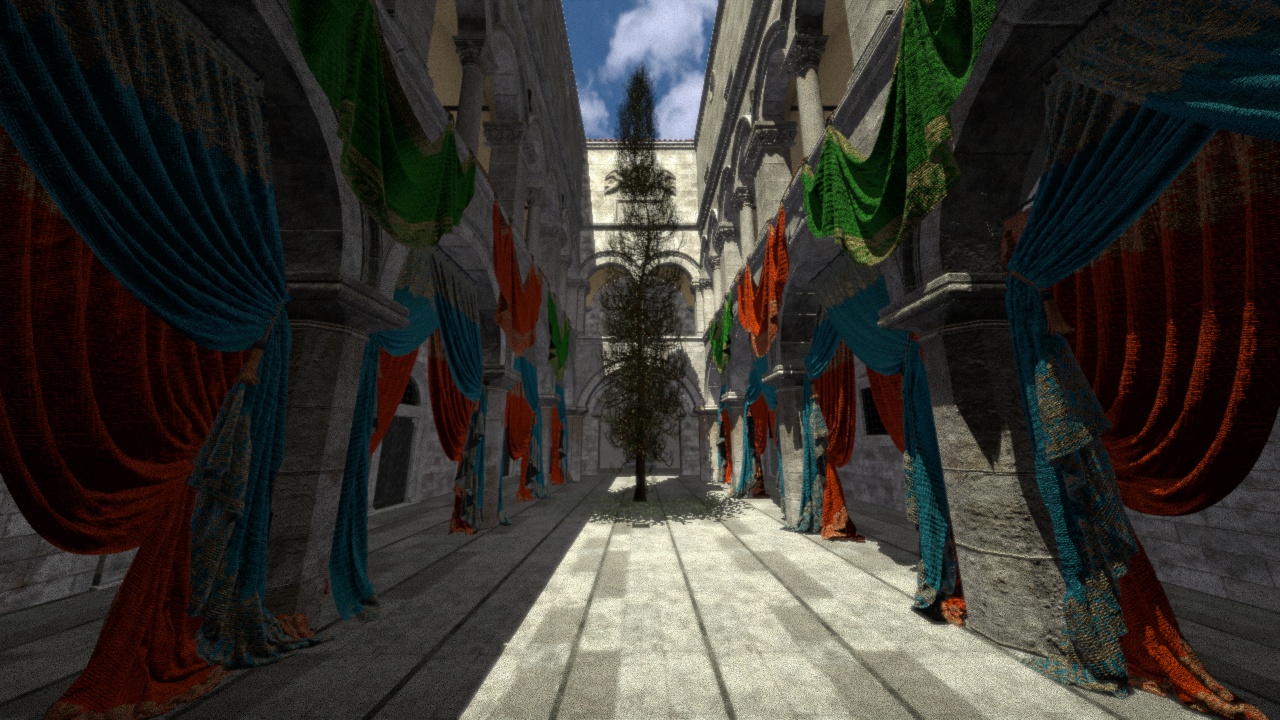
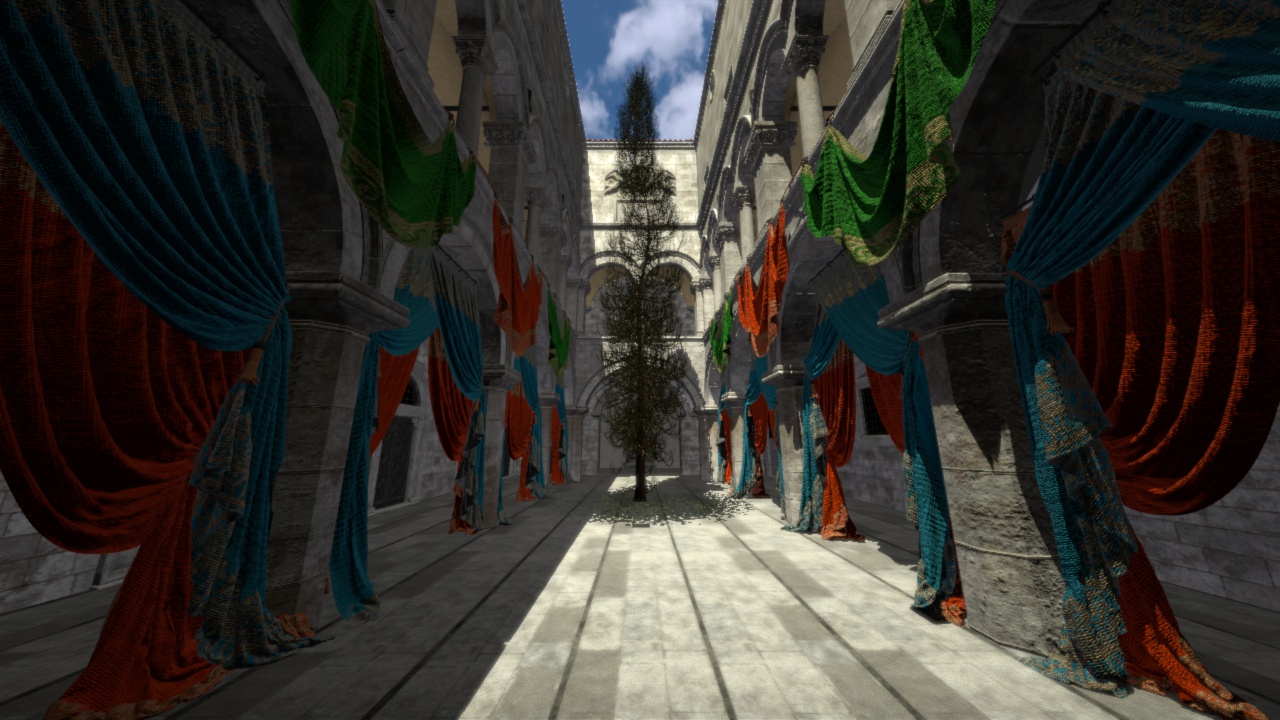
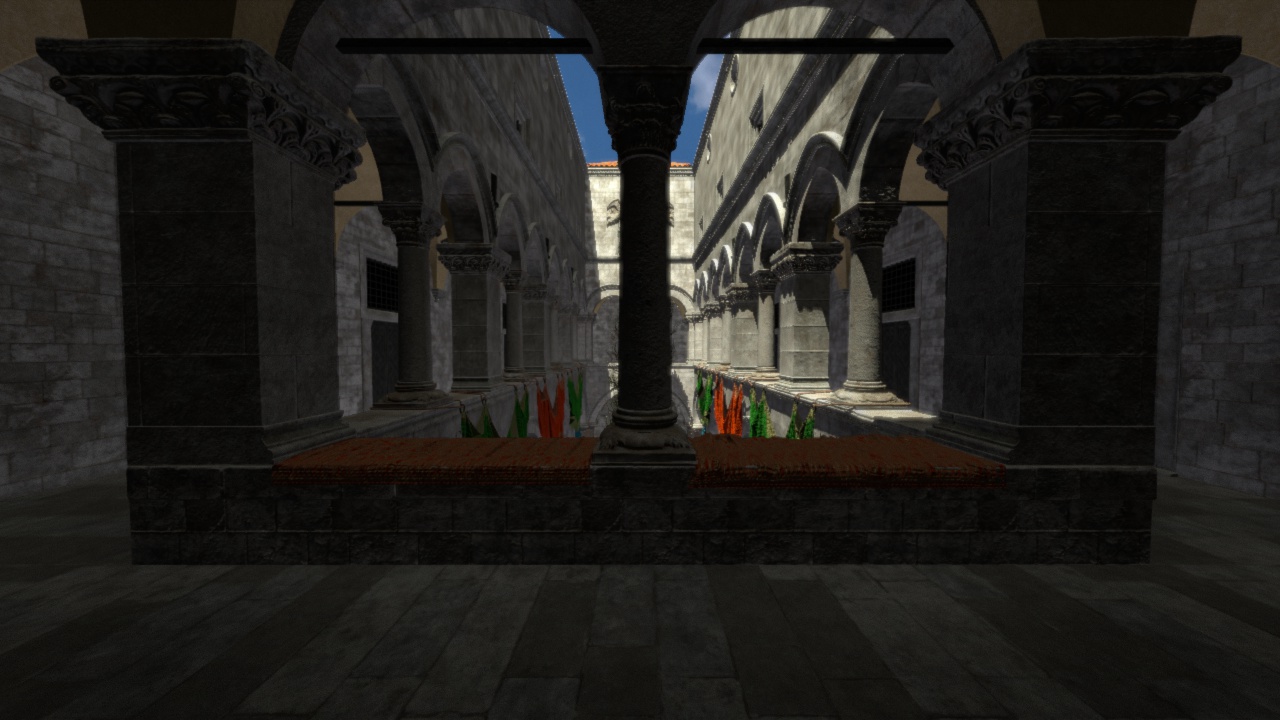
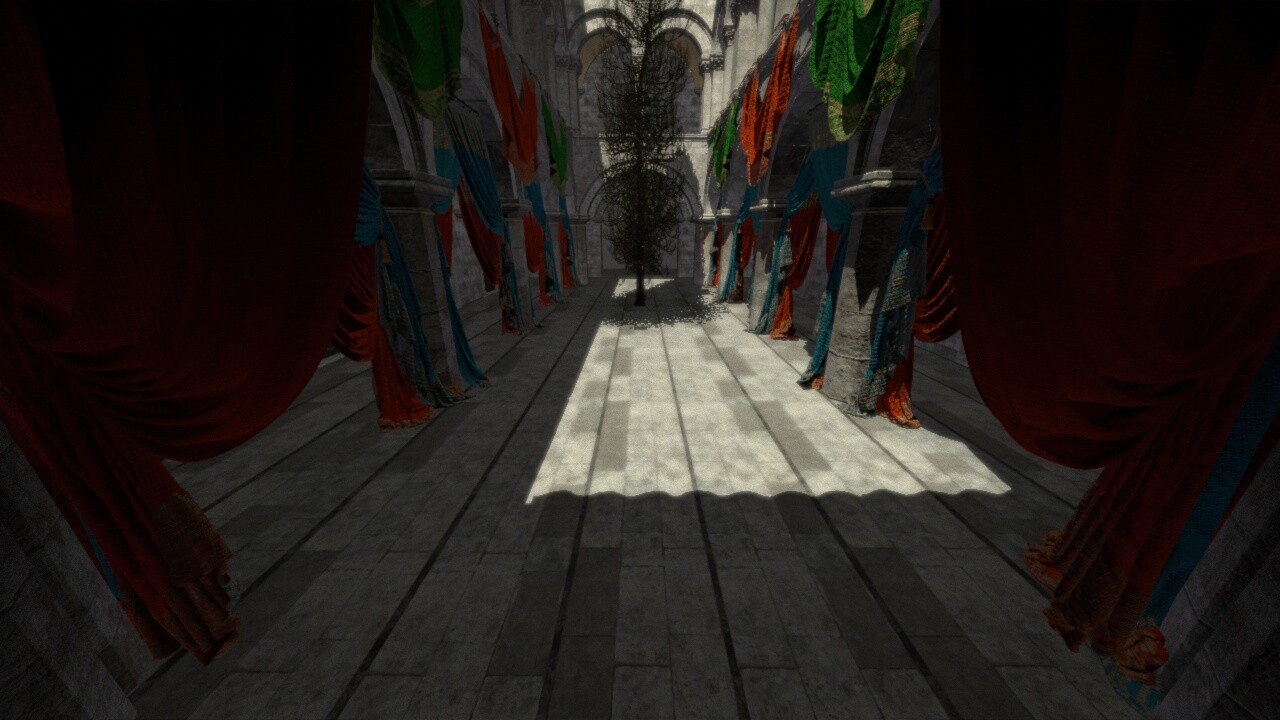
This release greatly improves the SSAO functionality of complexpbr. Screenshot examples and new SSAO shader input parameter usage below.
# example of how to customize SSAO
screen_quad.set_shader_input("ssao_radius", 0.99)
screen_quad.set_shader_input("ssao_bias", 0.005)
screen_quad.set_shader_input("ssao_samples", 32)  # ssao_samples defaults to 0
The new SSAO routine fixes the original implementation by correctly sampling from the randomized view position and depth textures. This heuristic is quite involved, despite being only about 20 lines of fragment shader code.
Usage is fairly standard as far as screenspace AO goes. The ssao_radius determines the amount of the game window the effect will be applied to. The ssao_bias is the effective depth limit which is used for occlusion comparisons, and generally should be set to a rather low value like 0.001 or 0.005 (though higher values are valid). Increasing ssao_samples will noticeably decrease the graininess of the SSAO effect, as higher samples will effectively layer consecutive randomized sampling and produce a cleaner looking and higher quality result. Some developers may prefer a “gritty” look, and lower values of ssao_samples will definitely give you this as well as a higher framerate.
By default I’ve set ssao_samples to 0 as of complexpbr 0.6.4 for performance and fidelity reasons. I personally don’t need SSAO in every scene I render, as sometimes a “flat” and clean looking render is exactly what is required.
Screenshots:
4 ssao_samples:
64 ssao_samples
5 Likes