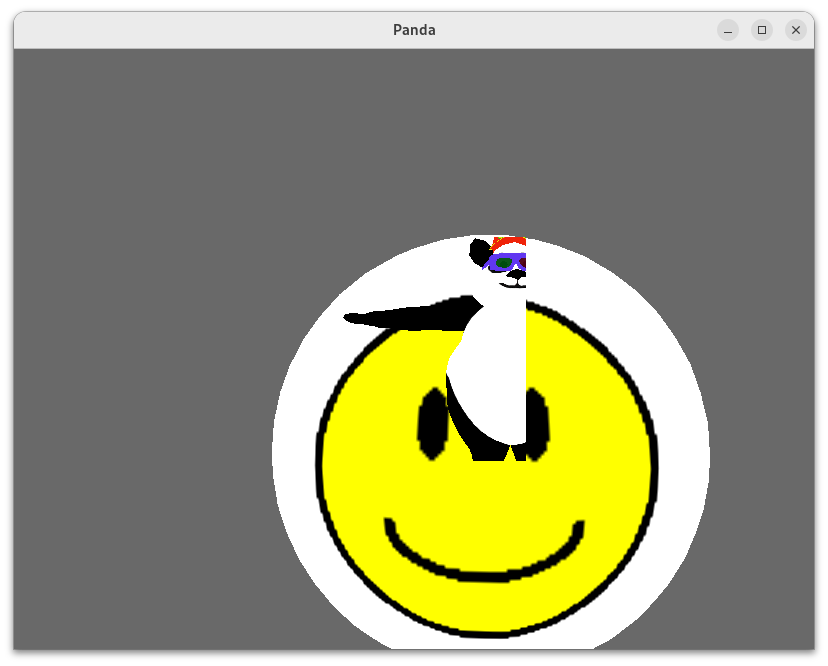
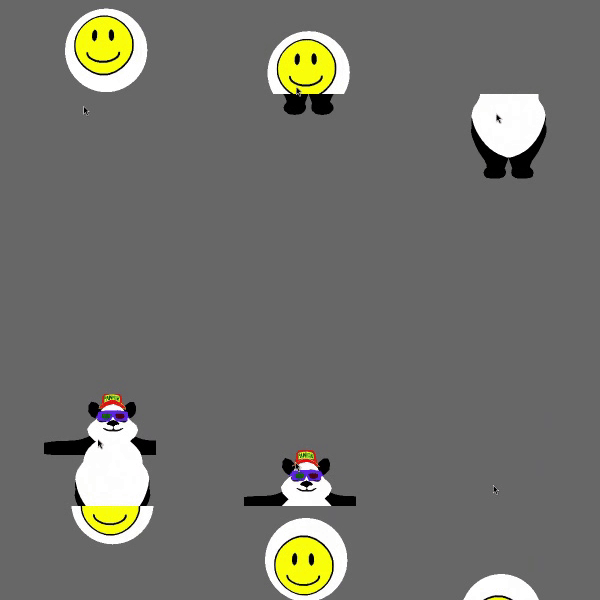
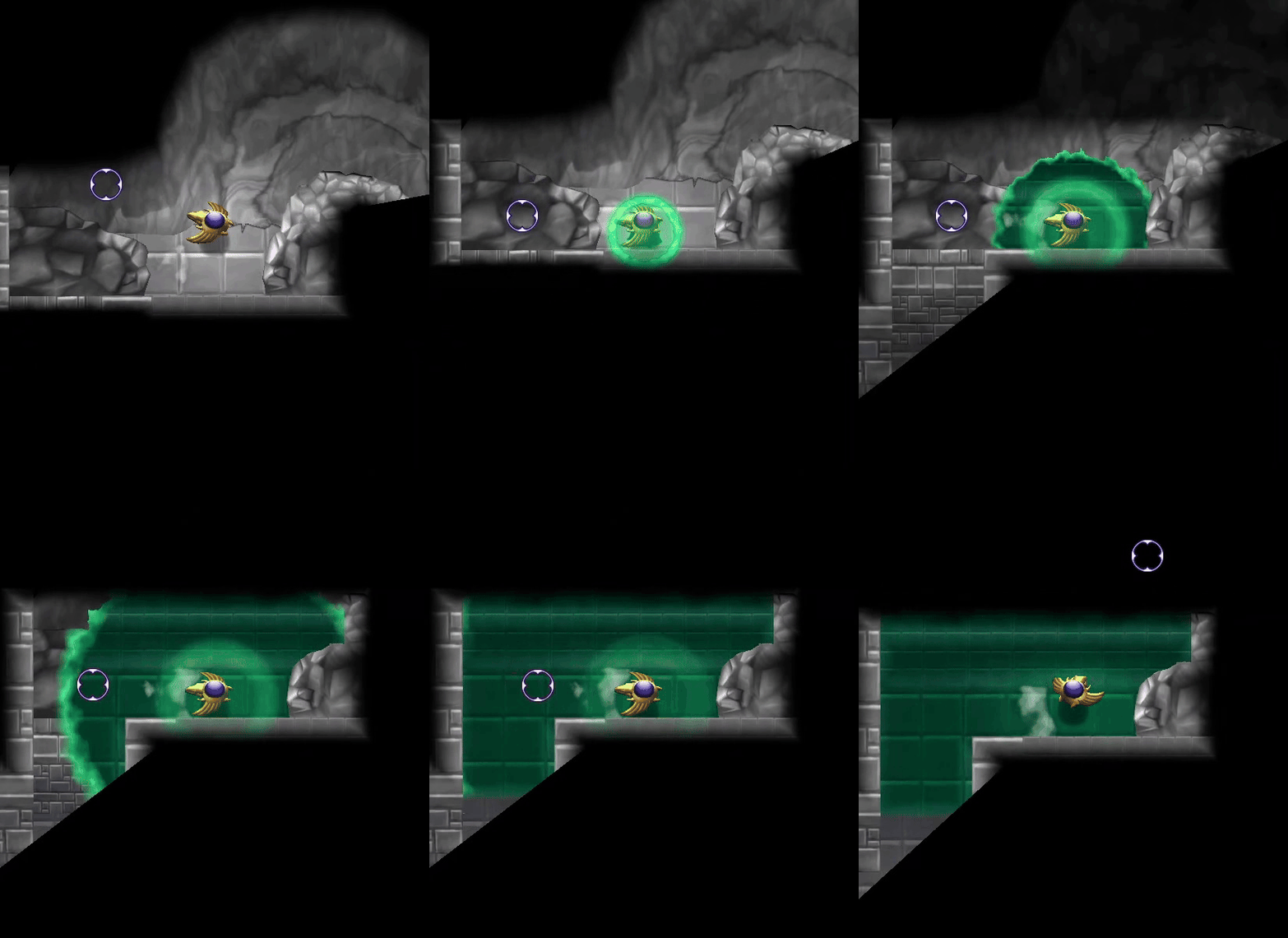
For a certain part of my current project, I have regions in the game-world that can be “shifted” between one state and another, with each state having separate and often-different geometry.
Up until now, I’ve been presenting this “shift” with a simple transparent fade–but I find that this effect is a little underwhelming, and incurs transparency-sorting nuisances.
To that end, I want to implement a more-interesting, shader-based effect for the shift–which brings me, then, to the point of this thread…
You see, this project already makes use of a number of shaders, even for basic scenery. And I don’t want to alter these to support this new effect.
Especially in the most common case, where it would mean an extra texture-read, at least one additional shader input (and it already has so many T-T), and an additional if-statement–all of which would have no bearing in the vast majority of cases.
So, I’m looking for other ways. And I’ve considered a few:
I could create a variant of my most common shader, one that supports the new effect.
This should work well–but makes any objects that use other shaders awkward to include in such regions.
(I suppose that I could have custom code to fade them out via transparency, but that’s not ideal.)
I could render the relevant objects to a pair of off-screen textures, then composite those onto a quad in the actual scene.
This should allow for all of my current shaders to be applied.
However, as best I’m aware, one can’t explicitly write to the depth-buffer, and so the scene would end up with depth-information representing the quad, not the scenery…
I could use the stencil-buffer.
As best I understand it, this should allow for a transition that supports my various custom shaders, and that includes the relevant depth-information.
But, a little like the first idea above, this would seem to incur the addition of a whole separate rendering of the entire scene, all the time, for the sake of an effect with relatively-limited scope.
Further, it’s not clear to me whether one can render textures/shader-output into the stencil buffer (as with a normal colour-buffer), or whether it’s geometry-only.
It’s also not clear to me whether the stencilling would be handled automatically, or whether it would require that I modify my shaders to read the stencil-buffer–which would bring me back to the issue that I have with the first idea, above…
So, does anyone have any thoughts or ideas on this…?