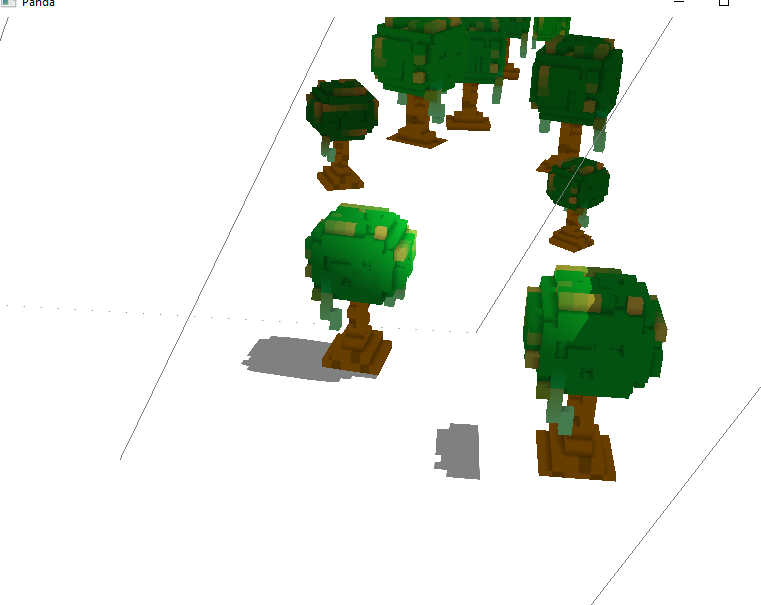
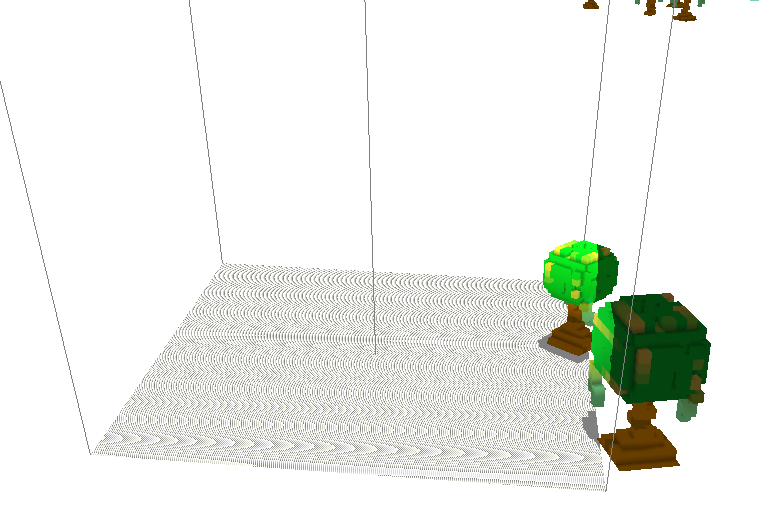
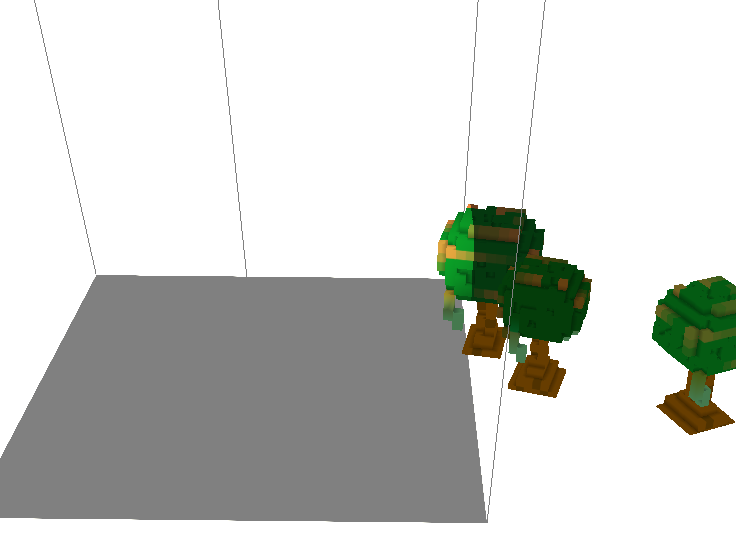
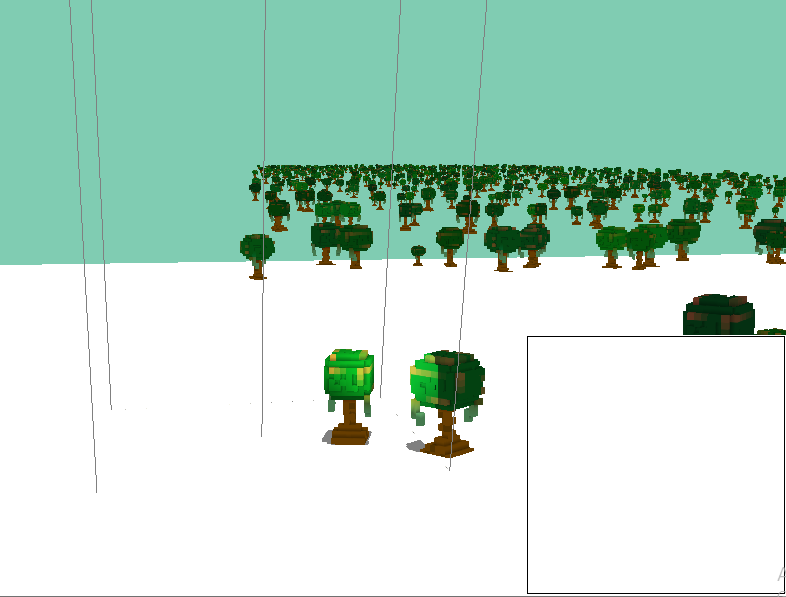
If you had wanted me to simply paste the code here, here it is, though I’d still have to include the tree-model, which is in the zip folder.
Python:
from direct.showbase.ShowBase import ShowBase
from panda3d.core import *
import random

class MyApp(ShowBase):
    def __init__(self):
        ShowBase.__init__(self)
        base.setBackgroundColor(0.5,0.8,0.7,1)
        node=self.loader.loadModel("tree_model.bam")
        if(node):
            node.reparentTo(render)
            NUM_INSTANCES = 1000

            shader = Shader.load(Shader.SL_GLSL, "tree.vert", "tree.frag")
            node.setShader(shader)
            gnode = node.node()

            iformat = GeomVertexArrayFormat()
            iformat.setDivisor(1)
            iformat.addColumn("offseth", 4, Geom.NT_stdfloat, Geom.C_other)

            rformat = GeomVertexArrayFormat()
            rformat.setDivisor(1)
            rformat.addColumn("rotation", 1, Geom.NT_stdfloat, Geom.C_other)

            sformat = GeomVertexArrayFormat()
            sformat.setDivisor(1)
            sformat.addColumn("scale", 1, Geom.NT_stdfloat, Geom.C_other)

            clformat = GeomVertexArrayFormat()
            clformat.setDivisor(1)
            clformat.addColumn("color_tint", 3, Geom.NT_stdfloat, Geom.C_color)

            format = GeomVertexFormat(gnode.getGeom(0).getVertexData().getFormat())
            format.addArray(iformat)
            format.addArray(rformat)
            format.addArray(sformat)
            format.addArray(clformat)
            format = GeomVertexFormat.registerFormat(format)

            vdata = gnode.modifyGeom(0).modifyVertexData()
            vdata.setFormat(format)

            poswriter = GeomVertexWriter(vdata.modifyArray(1), 0)
            rot_writer = GeomVertexWriter(vdata.modify_array(2), 0)
            scale_writer = GeomVertexWriter(vdata.modify_array(3), 0)
            color_writer = GeomVertexWriter(vdata.modify_array(4), 0)

            for i in range(NUM_INSTANCES):
                poswriter.add_data3((i % 60) * 70 + random.random() * 100, (i // 60) * 1200 + random.random() * 200, 0)
                # Rotation :
                angle = random.random() * 6.28
                rot_writer.add_data1(angle)
                # Scale:
                scale_writer.add_data1(0.5 + random.random() * 1.0)


                # Colour-tests:
                r = 0.7 + random.random() * 0.3
                g = 0.4 + random.random() * 0.4
                b = 0.1 + random.random() * 0.2

                color_writer.add_data3(r, g, b)

            poswriter = None
            rot_writer = None
            scale_writer= None
            color_writer= None
            vdata = None
            geom = None

            node.setInstanceCount(NUM_INSTANCES)

            node.node().setBounds(OmniBoundingVolume())
            node.node().setFinal(True)

            base.cam.set_pos(0, -30, 10)
            base.cam.look_at(0, 100, 0)


            #CardMaker generates the floor
            cm = CardMaker("floor")
            cm.setFrame(-1, 1, -1, 1)
            floor_np = render.attachNewNode(cm.generate())

            #Position and Orient
            floor_np.setP(-90)
            floor_np.setPos(500, 0, -28)
            floor_np.setScale(1500)

            #Color to White
            floor_np.setColor(1, 1, 1, 1)


            # Create the light
            dlight = DirectionalLight('sun')
            dlight.set_color(Vec4(1, 1, 0.9, 1))

            # Setup Shadows
            dlight.set_shadow_caster(True, 2048, 2048)
            #Define the shadow coverage area
            dlight.get_lens().set_film_size(220, 220)
            dlight.get_lens().set_near_far(50, 500)
            dlight.showFrustum()
            dlnp = render.attach_new_node(dlight)
            dlnp.set_hpr(5, -75, 0)
            dlnp.setZ(370)
            render.set_light(dlnp)


            #Ambient light:
            alight = AmbientLight('alight')
            alight.set_color((0.5, 0.5, 0.5, 1))
            alnp = render.attach_new_node(alight)
            render.set_light(alnp)

            render.set_shader_auto()
            self.accept("w",self.rotLight,[dlnp])
            self.accept("s",self.rotLightR,[dlnp])
            self.accept("o",self.viewBufferOn)

    def viewBufferOn(self):
        base.bufferViewer.toggleEnable()

    def rotLightR(self,sentligt):
        sentligt.setP(sentligt.getP()+5)

    def rotLight(self,sentligt):
        sentligt.setX(sentligt.getX()+5)

app = MyApp()
app.run()
Vertex shader:
#version 330
#define MAX_LIGHTS 1
uniform mat4 p3d_ModelViewProjectionMatrix;
uniform mat4 p3d_ModelViewMatrix;
uniform mat3 p3d_NormalMatrix; // Standard model-space to view-space matrix
uniform float osg_FrameTime;

uniform struct {
    sampler2DShadow shadowMap;
    mat4 shadowViewMatrix;
    vec4 color;
    vec4 position; // Panda3D provides light direction/position in View Space
} p3d_LightSource[MAX_LIGHTS];

in vec4 vertex;
in vec3 p3d_Normal; // The raw normal from the .egg file
in vec2 texcoord;
in vec4 offseth;
in float rotation;
in float scale;
in vec3 color_tint;

out vec2 tcset;
out vec3 v_color;
out vec4 v_shadow_pos;
out vec3 v_normal_view; // Passing normal to fragment shader

void main() {
    float cosR = cos(rotation);
    float sinR = sin(rotation);

    // --- VERTEX TRANSFORMATION ---
    vec4 v = vertex * scale;
    v.w = 1.0;

    float sway_factor = clamp(v.z / 4.0, 0.0, 1.0);
    float phase = offseth.x + offseth.y;
    float sway = sin(osg_FrameTime * 1.5 + phase) * 0.5 * sway_factor;
    v.x += sway;

    // Apply rotation to position
    v.xy = mat2(cosR, -sinR, sinR, cosR) * v.xy;

    gl_Position = p3d_ModelViewProjectionMatrix * (v + offseth);

    // --- NORMAL TRANSFORMATION ---
    // 1. Start with the raw normal
    vec3 n = p3d_Normal;

    // 2. Apply the same rotation as the vertex (normals ignore translation/offset)
    n.xy = mat2(cosR, -sinR, sinR, cosR) * n.xy;

    // 3. Transform to View Space so it matches Panda's light positions
    // We use p3d_NormalMatrix to handle the camera's orientation
    v_normal_view = normalize(p3d_NormalMatrix * n);

    // --- SHADOWS & COLOR ---
    vec4 view_pos = p3d_ModelViewMatrix * (v + offseth);
    v_shadow_pos = p3d_LightSource[0].shadowViewMatrix * view_pos;

    float leaf_factor = clamp(v.z / 2.0, 0.0, 1.0);
    v_color = mix(vec3(1.0, 1.0, 1.0), color_tint, leaf_factor);
    tcset = texcoord;
}
Fragment shader:
#version 330
#define MAX_LIGHTS 1
uniform sampler2D p3d_Texture0;
out vec4 p3d_FragColor;

in vec2 tcset;
in vec3 v_color;
in vec4 v_shadow_pos;
in vec3 v_normal_view; // From the updated vertex shader

uniform struct {
  vec4 ambient;
} p3d_LightModel;

uniform struct {
    sampler2DShadow shadowMap;
    mat4 shadowViewMatrix;
    vec4 color;
    vec4 position; // Panda3D provides light direction/position in View Space
} p3d_LightSource[MAX_LIGHTS];

void main() {
    vec4 tex = texture(p3d_Texture0, tcset);
    if(tex.a < 0.1) discard;

    // 1. SHADOW LOGIC
    //float shadow = textureProj(p3d_LightSource[0].shadowMap, v_shadow_pos);
    vec3 proj_coord = v_shadow_pos.xyz / v_shadow_pos.w;

    // 2. THE CRITICAL FIX: Remap from [-1, 1] to [0, 1]
    // This aligns your vertex position with the shadow map pixels
    //proj_coord = proj_coord * 0.5 + 0.5;
    //proj_coord = proj_coord * 0.5 + 0.5;

    // 3. Apply Bias to fix the "static noise" (Shadow Acne)
    //proj_coord.z = 10.101;

    // 4. Sample using vec3 (U, V, Depth_to_compare)
    float shadow = texture(p3d_LightSource[0].shadowMap, proj_coord);

    // 5. Boundary Guard: If outside the light's box, it's NOT in shadow
    if (proj_coord.x < 0.0 || proj_coord.x > 1.0 ||
        proj_coord.y < 0.0 || proj_coord.y > 1.0) {
        shadow = 1.0;
    }

    shadow=1-shadow;
    //if (!in_frustum) shadow = 1.0;

    // 2. LIGHTING (DIFFUSE) LOGIC
    vec3 N = normalize(v_normal_view);
    // For DirectionalLight, .w is usually 0, and .xyz is the direction
    vec3 L = normalize(p3d_LightSource[0].position.xyz);

    // Calculate how much the surface faces the light
    float diffuse_intensity = max(dot(N, L), 0.0);

    // 3. COMBINE EVERYTHING
    vec3 ambient = p3d_LightModel.ambient.rgb;

    // Direct light is now affected by BOTH the angle (diffuse) and the shadow
    //shadow=1.0;
    vec3 direct = p3d_LightSource[0].color.rgb * diffuse_intensity * shadow;

    // Apply color_tint (v_color) to the texture
    vec3 final_rgb = tex.rgb * v_color * (ambient + direct);

    p3d_FragColor = vec4(min(final_rgb, vec3(1.0)), tex.a);

    vec3 light_contrib = p3d_LightSource[0].color.rgb * diffuse_intensity * shadow;
    p3d_FragColor = vec4(tex.rgb * v_color * (p3d_LightModel.ambient.rgb + light_contrib), tex.a);
    //p3d_FragColor = vec4(tex.rgb * (p3d_LightModel.ambient.rgb + light_contrib), tex.a);

}
treeModel.zip (51.1 KB)