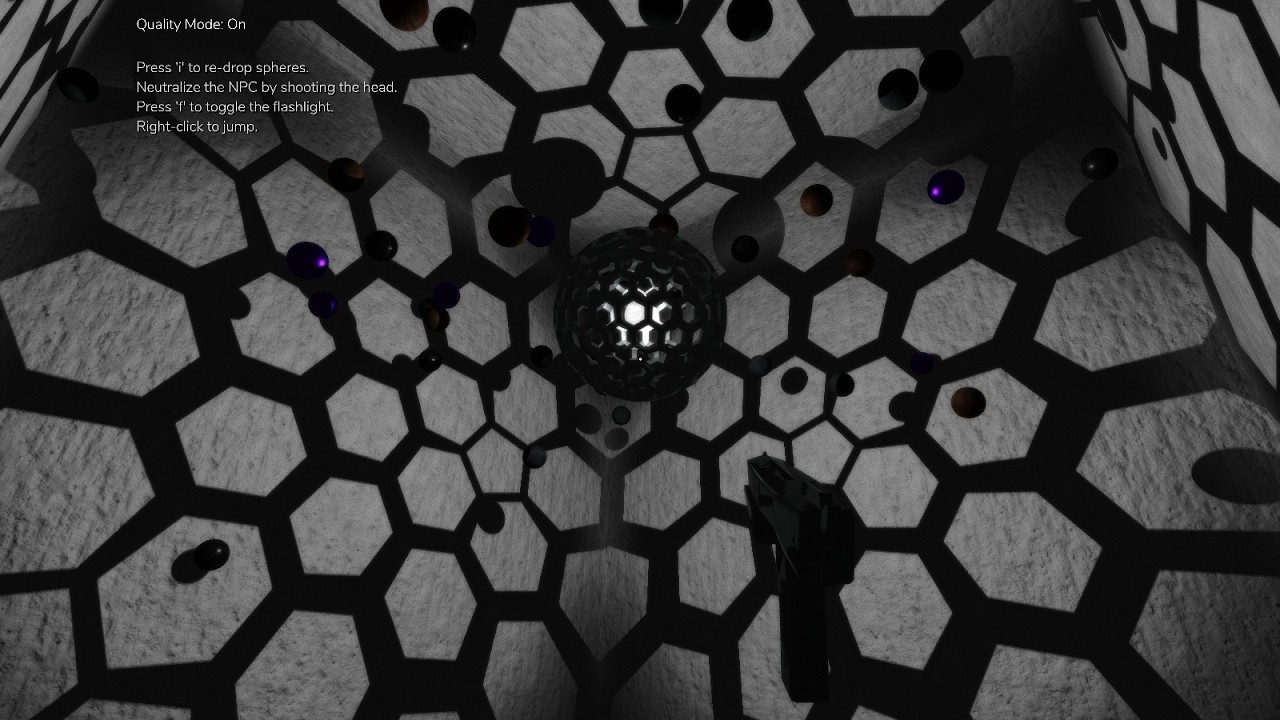
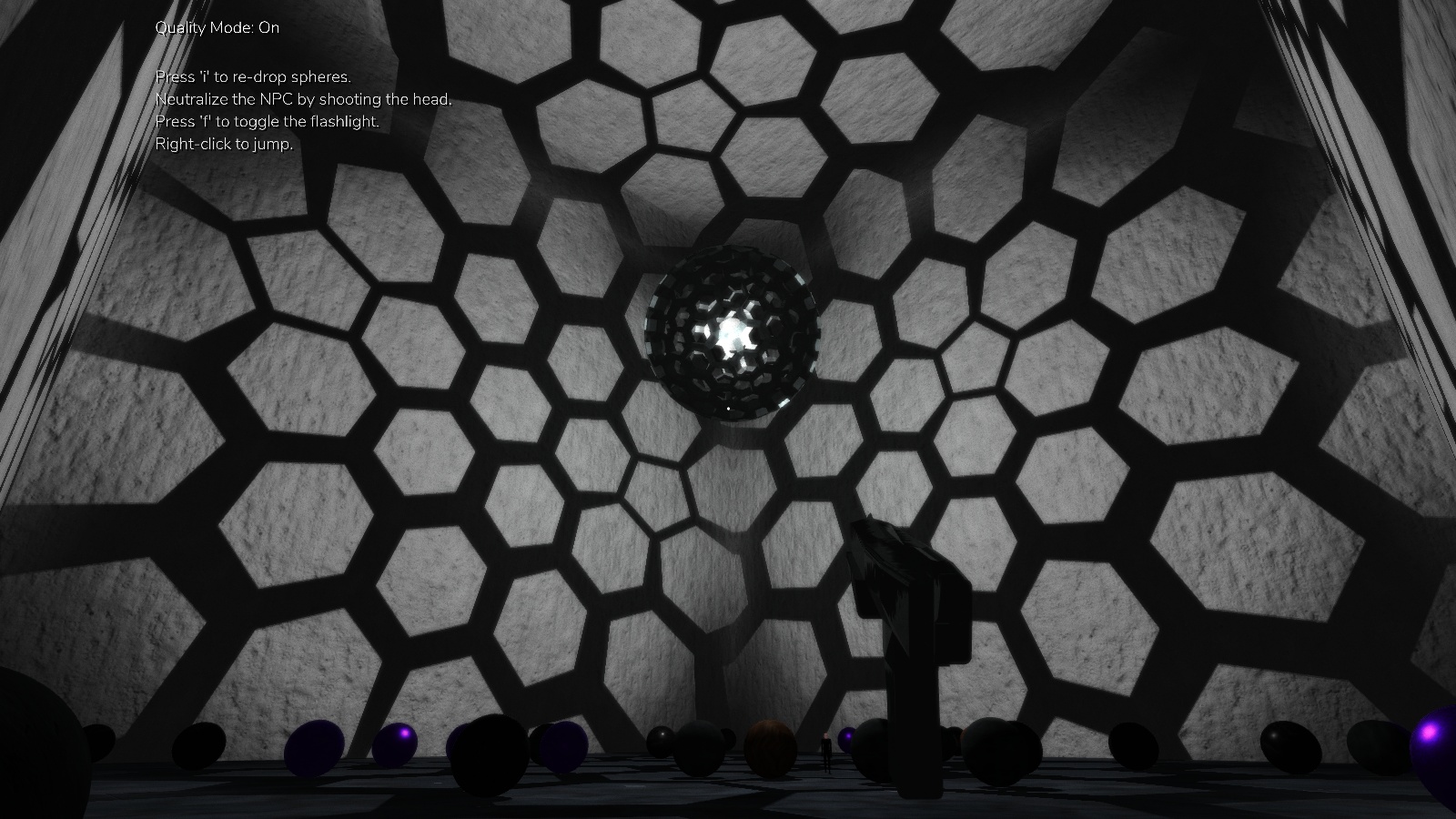
This long-awaited engine feature is now available in the form of a straightforward, easy-to-use, and highly performant demo program. This demo includes a convenient self-contained file to implement such an effect using only built-in engine components! Check out the in-game 1080p60 footage below, and my new itch.io page where I host the demo program.
As a bonus, the program also demonstrates usage of the recently released complexpbr 0.6.8 Soft Shadows for this specific scene.
I am quite pleased with how these feature implementations are shaping up. Effective game design and scene graphics are naturally artistic pursuits, and even the best renderer couldn’t make up for bad direction in those areas. But getting to this level of graphical quality and robustness in Panda3D is really nice to have.
Ah. It was my understanding that this functionality had never been demonstrated here, and that there were some conflicting interactions in terms of using set_light() and the same shader internal shadow map. I can change my wording on this and just say it’s the first PBR-style point light shadow effect available in a demo/sample program here, if that’s acceptable.