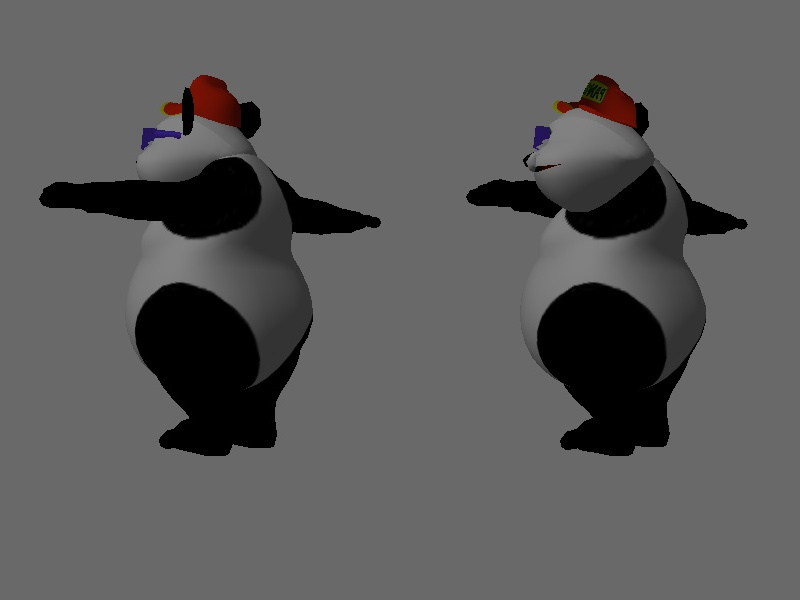
Using alexlee-gk’s ram_image_example.py as a starting point I’ve begun dipping into the inner workings of Panda3d. Obviously I’d love to be an expert at everything, but tackling one bit at a time is my best way there.
My question is this: I’d like to add a screenshot of normals to the rgb and depth buffer outputs above. How? Preferably as simply as possible. Performance is not an issue.
I’ve tried many things and did not kept a record of all them. I was excited to see the cartoon shader (can only post two links … guess this one isn’t necessary) example with the view render-to-texture toggle showing normals of the scene, but I couldn’t find a way to dial into the buffer viewer to steal the texture. Other attempts at off-screen buffers failed, I think by the time I tried to take the image it had been overwritten. I tried with shaders, but again, a bit too over my head.
Please tell me there’s a simple method I’ve overlooked, which will allow me to start putting all these other pieces into place in my mind.
The Cartoon Shader sample is a good starting point. All you need to do is use addRenderTexture on the buffer to bind a texture to it (probably to the RTPAuxRgba0 plane, I think). If you need the image data of every frame in RAM, you should use RTMCopyRam mode, then Panda will transfer it automatically.
I’m surprised that I’m getting any rgb data in the normals texture, let alone colours from the wrong side of the model. I wondered if I was meant to pick which channel to get data from…
You need a shader to write the normals to the second render target.
You can either do that yourself, using your own shader, or by enabling the shader generator and telling it to write the normal data by using something like scene.setAttrib(AuxBitplaneAttrib.make(AuxBitplaneAttrib.ABO_aux_normal)) (could also set it as the camera’s initial state).