Im working on a Minecraft clone for fun. I’m new to panda3d and I never tried 3D coding. I don’t have so many things made and only a few blocks, grass, dirt, sand(without gravity lol), stone(I got confused and placed the andesite texture xd) and oak logs. Here’s the current project
[GitHub - Adriksito27/Minecraft_copy_DEMO_panda3d: I'm working on a Minecraft copy in panda3d so start learning how to code in panda3d. · GitHub]
3 Likes
If someone knows how to get rid of the lag tell me please.
blocks not displays. only bottom bar displays.
Yea I’m gonna make that right now I forgot sorry 
Give me 30 minutes to do it
this is very impressive for a first project; you’ve got 3D rendering, collision detection, raycasting for block placement, a hotbar UI, custom fonts, and WASD+mouse look camera all working together. That’s a lot of moving parts for a beginner so don’t be discouraged when something doesn’t work, instead try to single things out and work ins mall chunks.
Looking at the code I see there are a few bugs:
- Number keys 1-5 fire two conflicting handlers. In
setupControls()you bind each number key twice:
  self.accept('1', self.setSelectedBlockType, ['grass'])   # sets self.selectedBlockType
  self.accept('1', self.selectSlot, [0])                   # sets self.current_block_type
The second accept replaces the first in Panda3D, only selectSlot actually runs. So pressing 1 moves the hotbar selector but placeBlock still uses self.selectedBlockType (which never changes). The selector and the block you place are out of sync. You want one handler per key that does both: move the selector and set the block type.
-
selectSlotwrites to the wrong variable. It setsself.current_block_type, butplaceBlockreadsself.selectedBlockType -
self.globalClockis assigned twice (lines 24 and 35). Line 24 stores the methodClockObject.getGlobalClock(no parens); line 35 fixes it by calling it -
In
createNewBlock, the visual node is placed withsetPos(x,y,z), but the CollisionBox is also constructed centered at (x,y,z) and then attached to render (not to the block node). It happens to line up, but it’s fragile, so if you ever move a block, the collider won’t follow. Conventionally you’d center the box at the originCollisionBox((0,0,0), 1,1,1)and parent it under the block node so position is inherited
Few pointers:
- self.newBlockNode / self.blockNode as instance attributes - these get overwritten every block, so self.newBlockNode only ever holds the last block created. Make them local variables (block_node = …) unless you truly need the last one
- The if type == ‘grass’ / elif … chain could be a dict: models = {‘grass’: self.grassBlock, …} then models[type].instanceTo(node). Less repetition, easier to add blocks
- type as a parameter name shadows Python’s built-in type(). Harmless here, but block_type is safer and clearer. Try to avoid shadowing
- Magic numbers (* 2 - 16, < 40, 0.13, -0.5241) - consider pulling these into named constants (BLOCK_SIZE = 2, REACH = 40) to make reading the code & tuning things easier
So ye, just offering some thoughts, if you fix the hotbar bug above, it’ll teach you how Panda3D’s event system handles one-key-one-handler, and why state needs a single source of truth. You generate 16×16×15 = 3,840 blocks, each with full collision geometry, including buried ones nobody can see. Learning to skip hidden blocks is the classic next voxel-engine lesson and will help with your lag (google greedy/face culling). Right now block data lives in world_data dict + scene nodes + colliders separately. Bundling them into a Block class teaches encapsulation. Fix paths; move assets/config out of relative paths (the app only runs from inside Minecraft Python/). Keep filenames consistent. Try to avoid spaces in names (main (1).py → main.py). Also consider adding pyproject.toml with your dependencies, then you could use uv[1] or another project manager to create your venv and setup panda
[project]
name = "minecraft-panda3d"
version = "0.1.0"
description = "Add your description here"
readme = "README.md"
requires-python = ">=3.13"
dependencies = [
    "panda3d>=1.10.16",
]
I noticed few more minecraft projects on the forum and discord, you ll probably find more inspiration and answers there. Good luck!
[1] uv - An extremely fast Python package and project manager
Thanks I’m currently updating the project with hotbar images and fixing the bugs.
Have a nice day man!
Ok I uploaded the new files
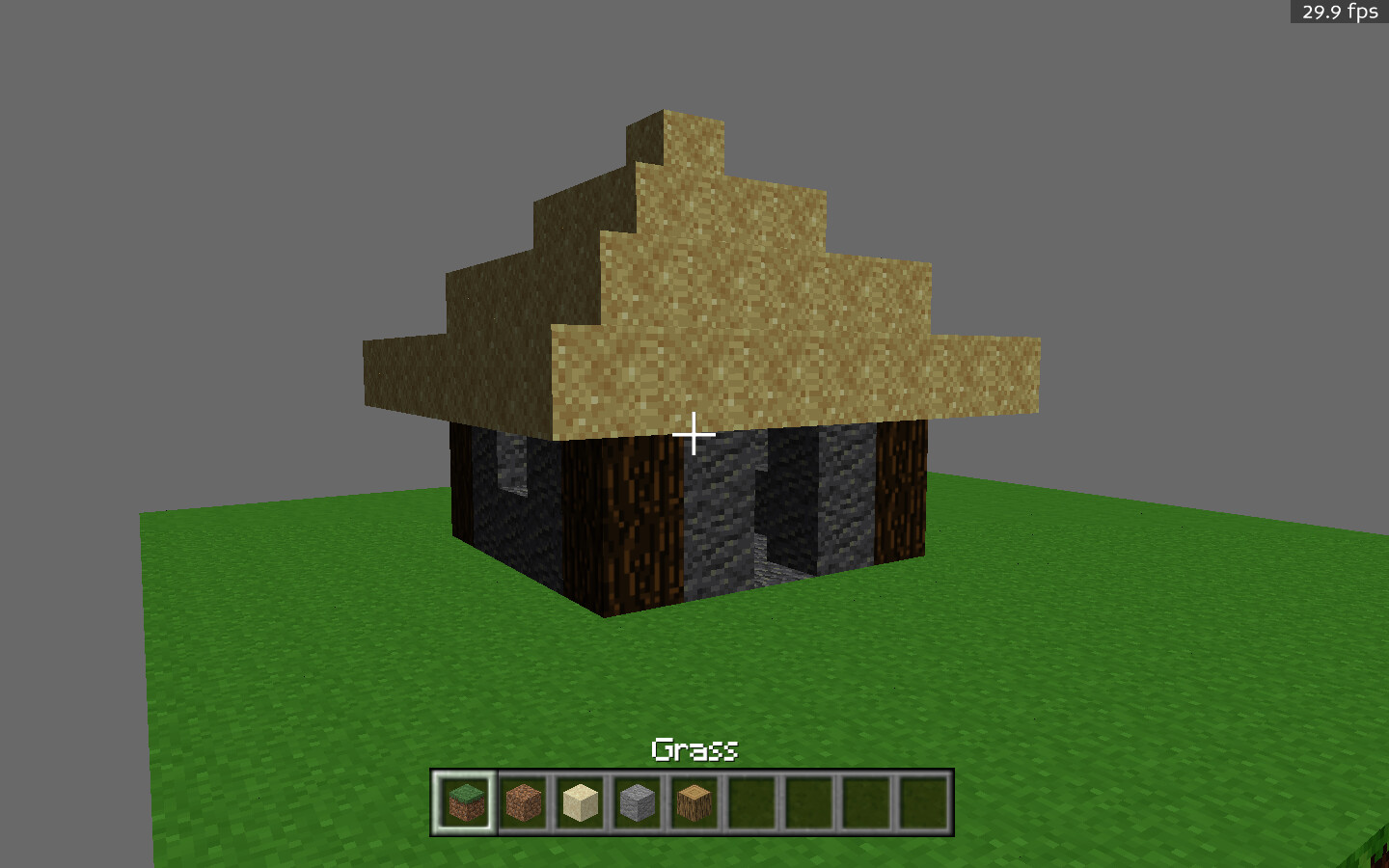
Guys I finished making random terrain generation I’m working on pause menu now
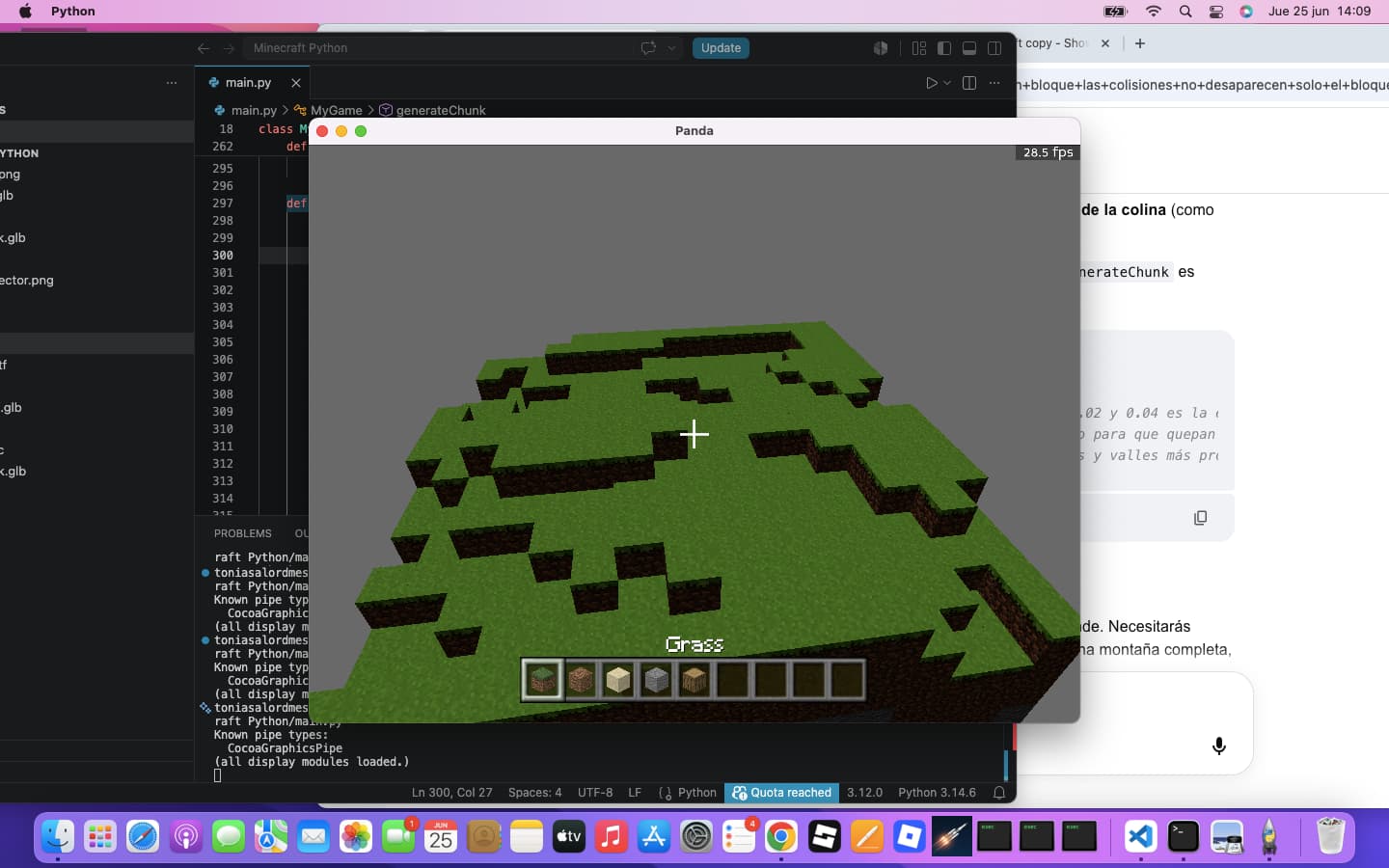
Should I smooth out the mounds?
1 Like
This is looking nice so far! Well done! 
You mentioned lag: the thing to do there is, I would say, to profile your game in PStats. That may help you to determine just where the bottleneck is, allowing you to work on that issue specifically.
I will ask, however: Are you treating your blocks as individual objects, or are you treating them as “chunks” of multiple blocks?
Ah. That might be your bottleneck, then: you could simply have too many nodes in your scene.
I may be mistaken, but I think that I recall reading somewhere that Minecraft dealt with this by combining nodes into “chunks”, allowing it to present far more blocks than would likely otherwise be feasible.
I don’t know the specifics of this “chunking” process, however.
But still, I daresay that it’s worth checking PStats in case I’m mistaken about that being your bottleneck, of course!
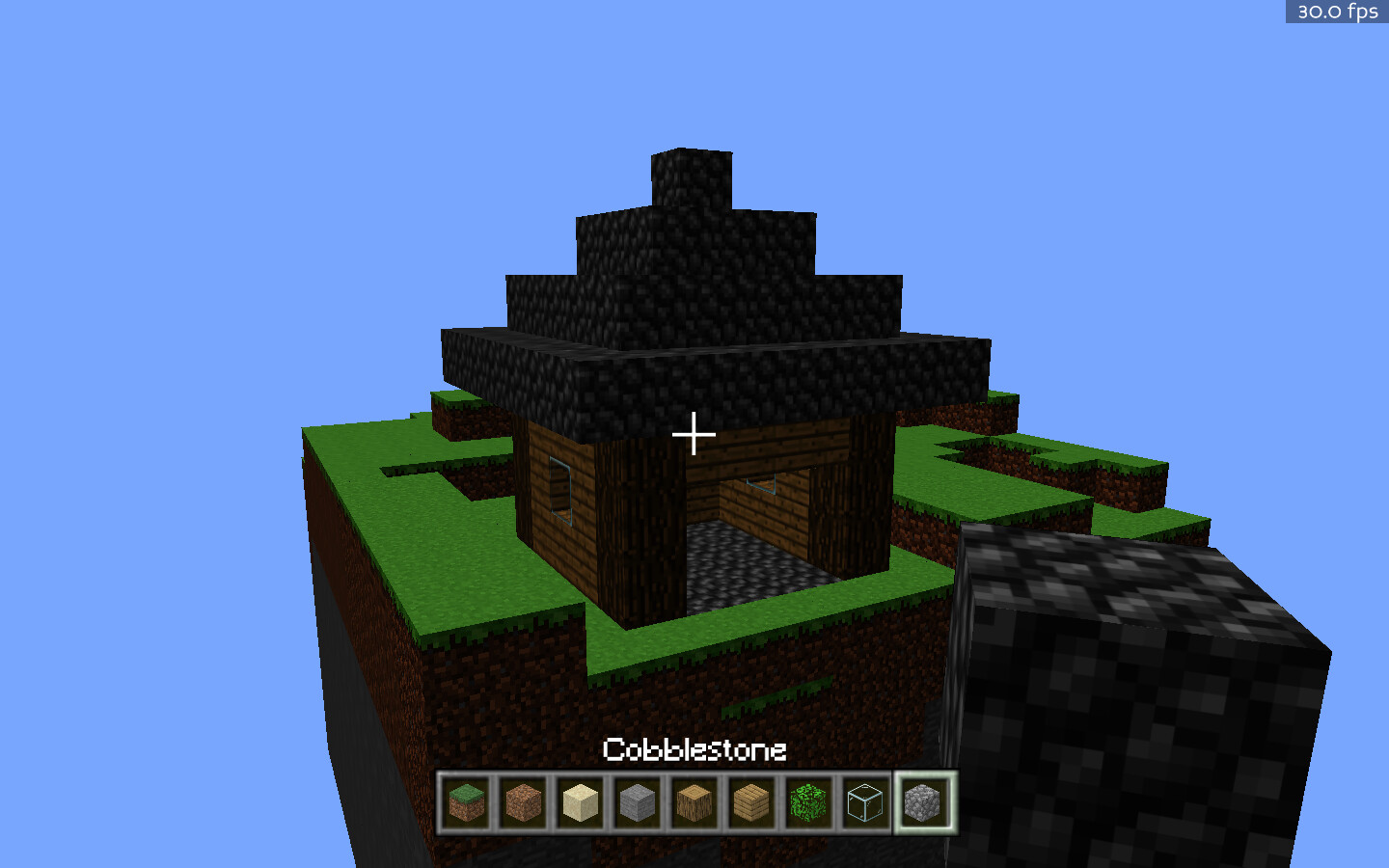
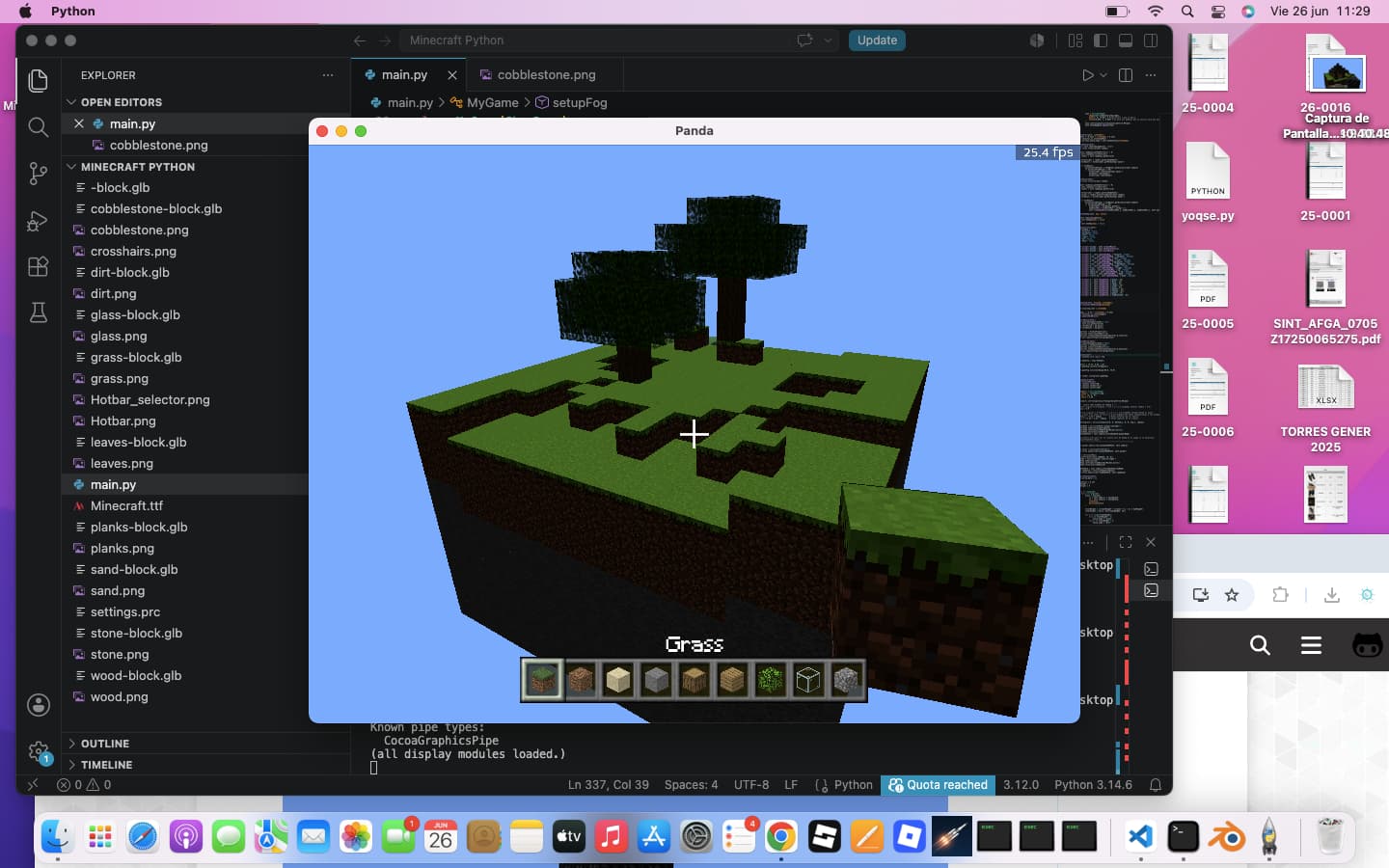
Tell me what should I do now 
I’ll make full inventory now
1 Like
Crafting! (so bugged) Check out the dev updates folder
1 Like
Looking good, my small advice is to switch from glb models to textured geoms,
that will give more performance in large chunks.
Guys I made infinite world generation and optimized a lot the game, You can play at 40-50 fps with a not so good device!!!
1 Like