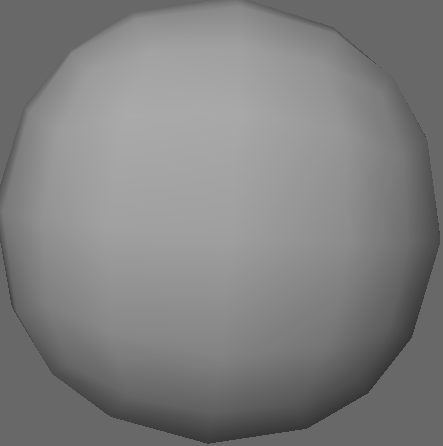
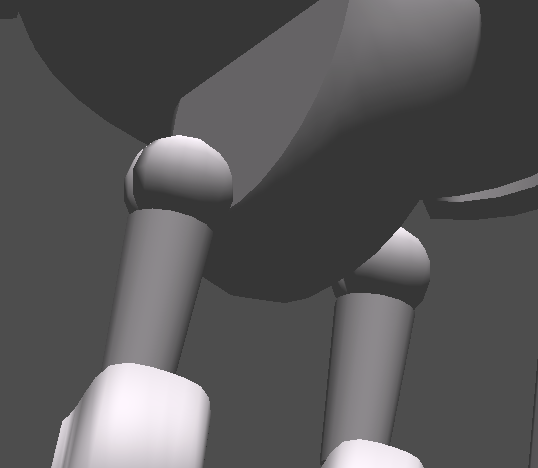
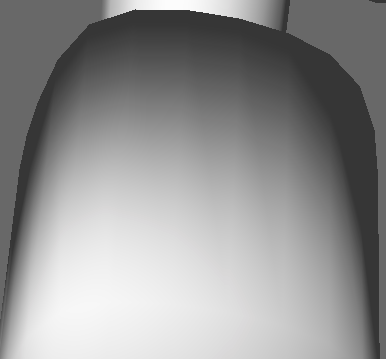
I’m getting a strange lighting artifact. It’s somewhat mitigated by per-pixel lighting, but it still ends up looking a bit ugly. Essentially, edges on a curved surface seem to be lighting up brighter than they should be for some reason:
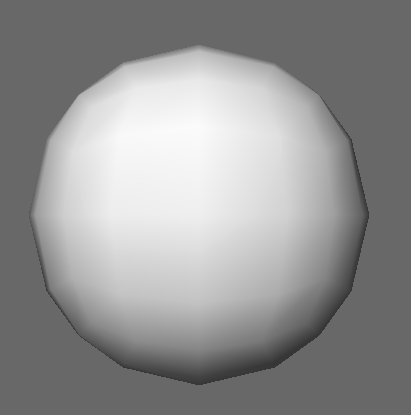
This even seems to effect the sample models, albeit not all of them as being quite so intense:
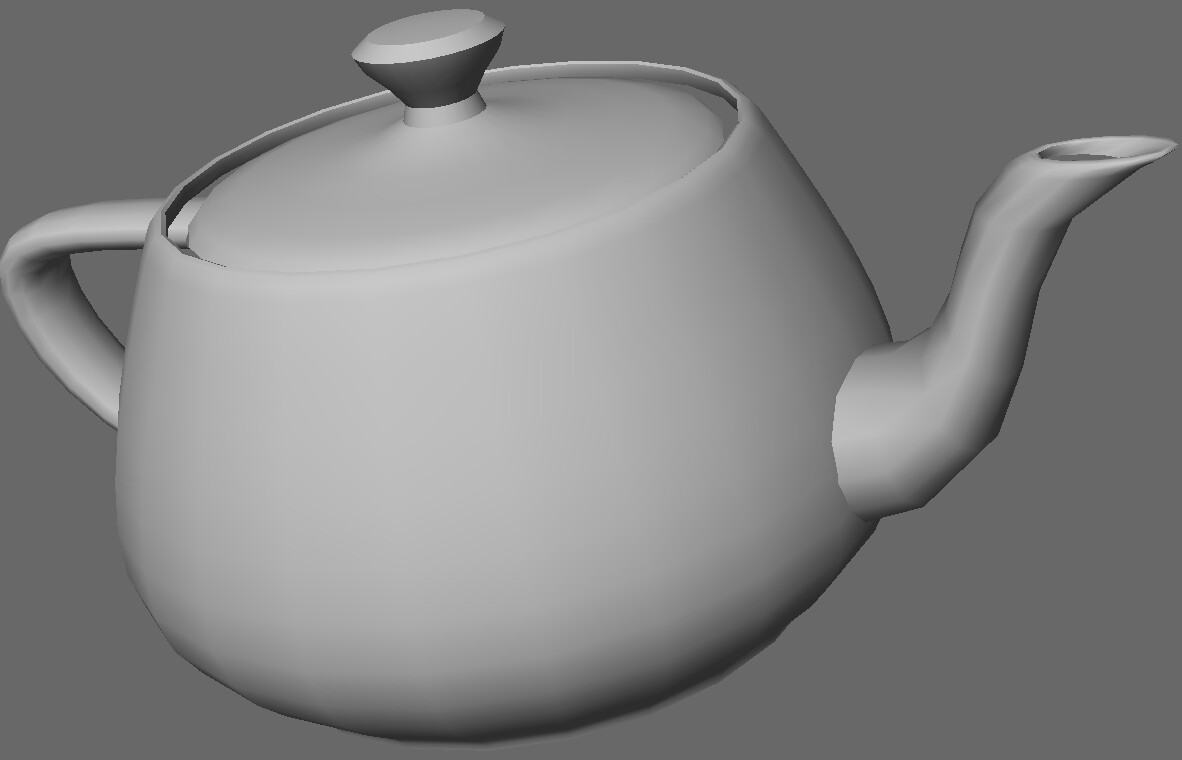
(Most noticeable towards the spout and bottom of the teapot)
This has a detrimental effect on the appearence of my characters, even with per-pixel lighting:
(Note how the shadow gets broken up by the bright edges)
Is there some way to mitigate this?
edit: By the way, I did check that it wasn’t an issue with my exporter; viewing .obj files produces the same artifacts: