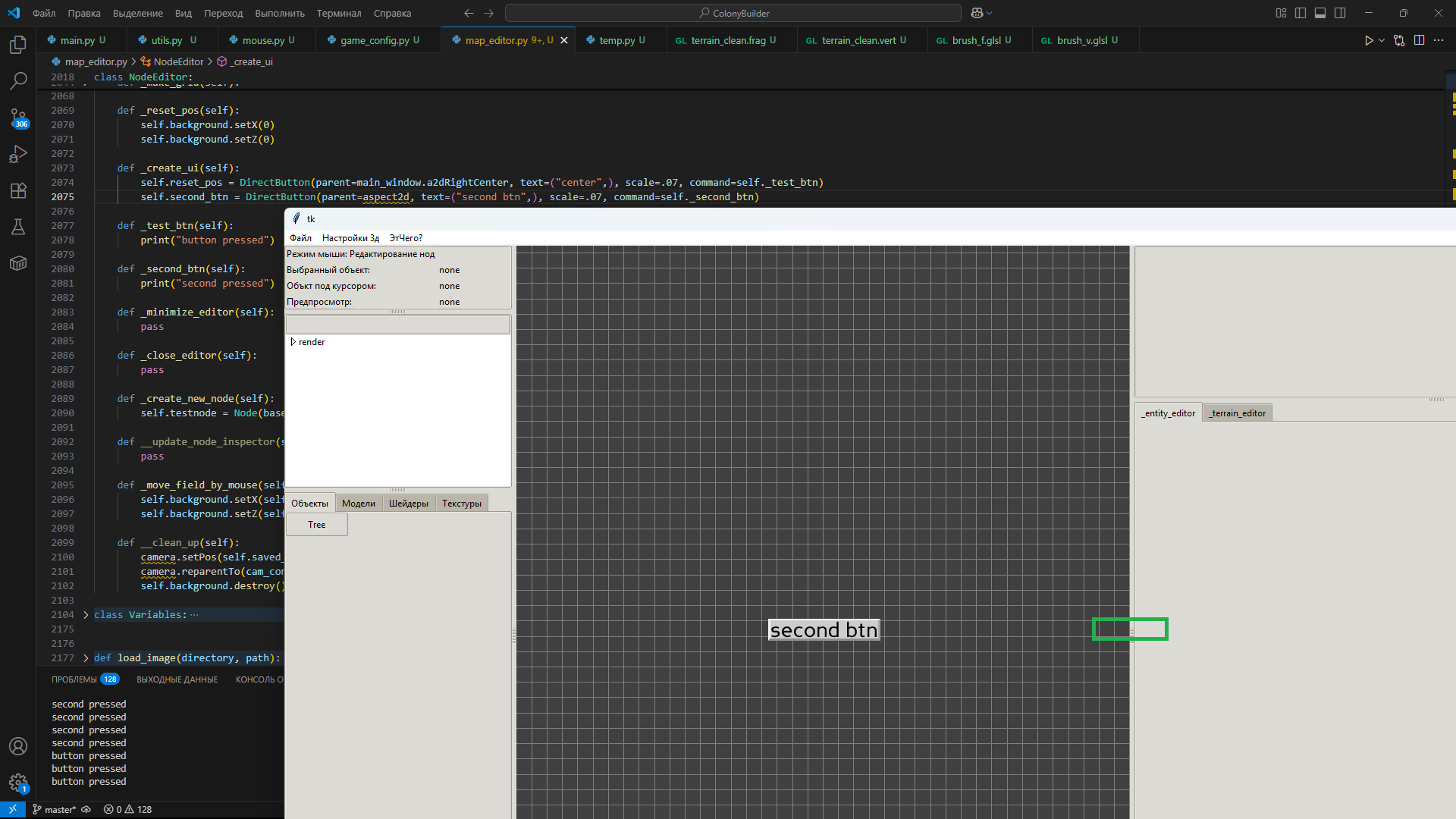
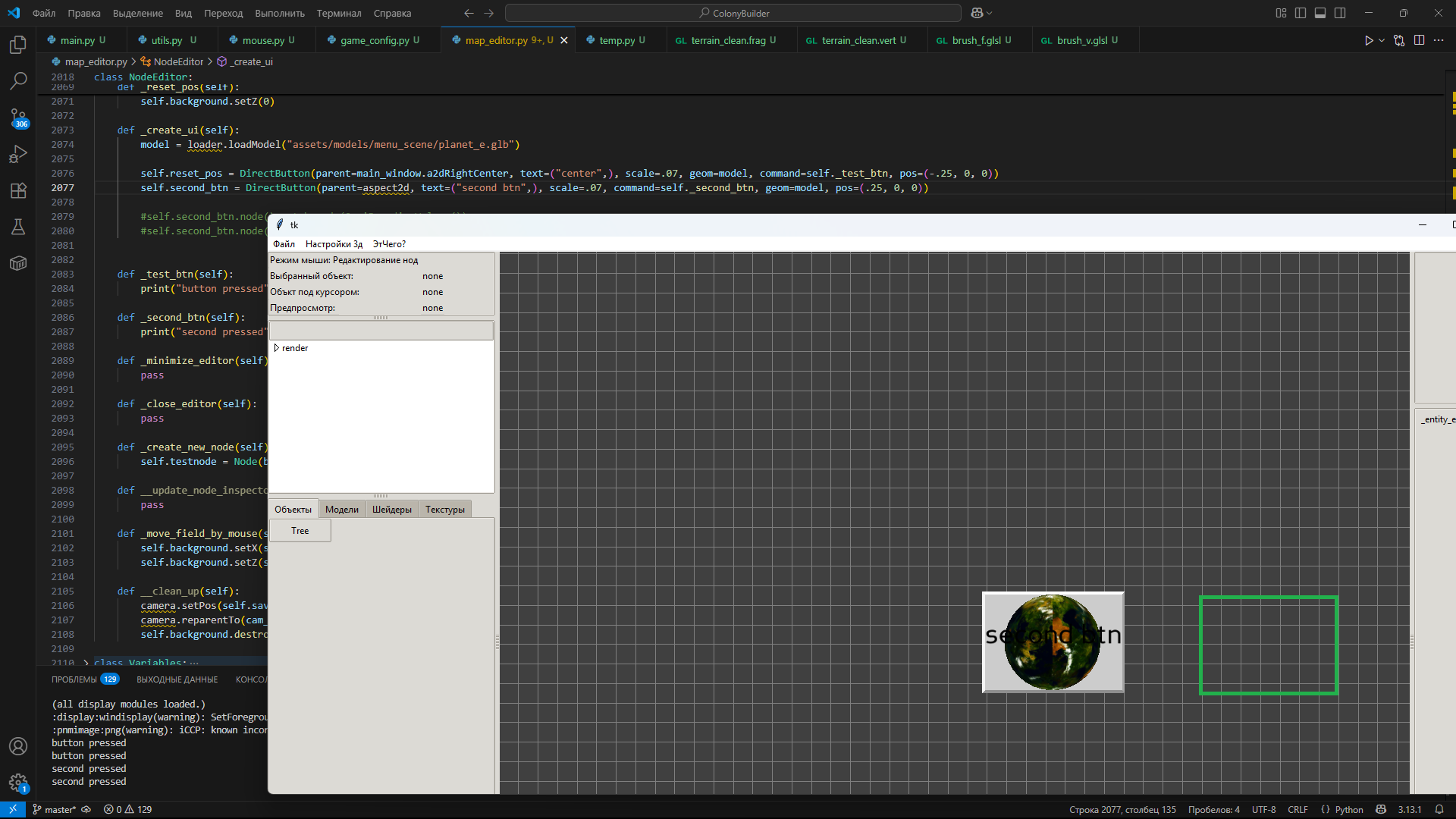
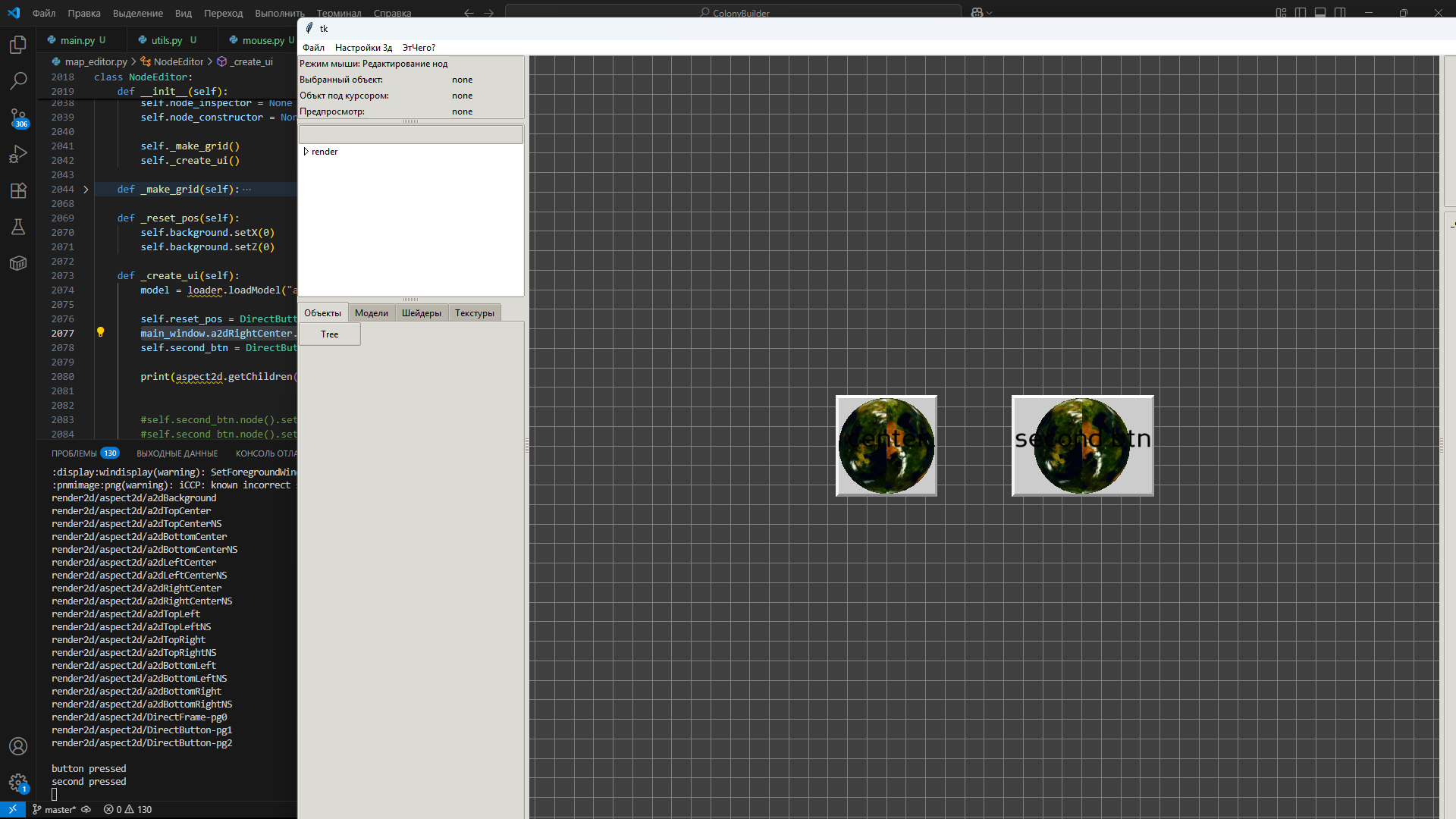
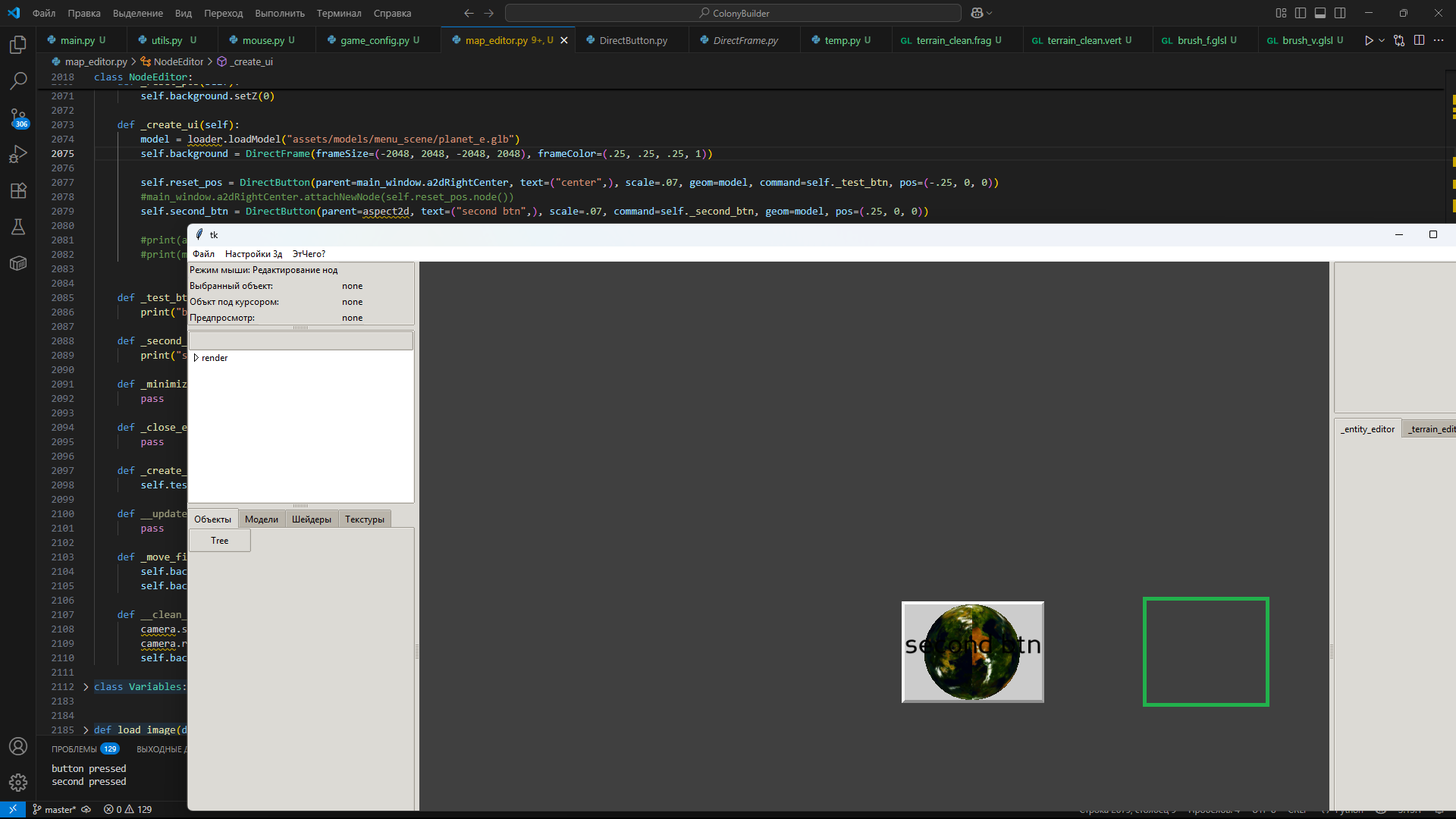
Based on a quick test, serega would seem to be correct:
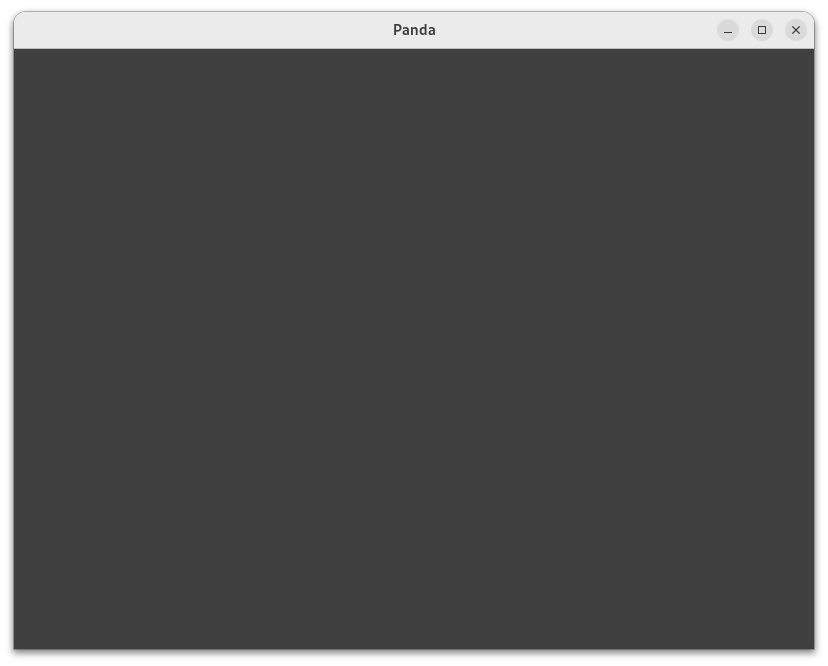
The issue isn’t that the button isn’t being rendered, it’s that it’s being covered by a huge DirectFrame that happens to have a grey colour, and which thus looks like the default clear-colour.
Parenting the DirectFrame to the “a2dBackground” node just forces it to be “behind” the button, thus not covering it.
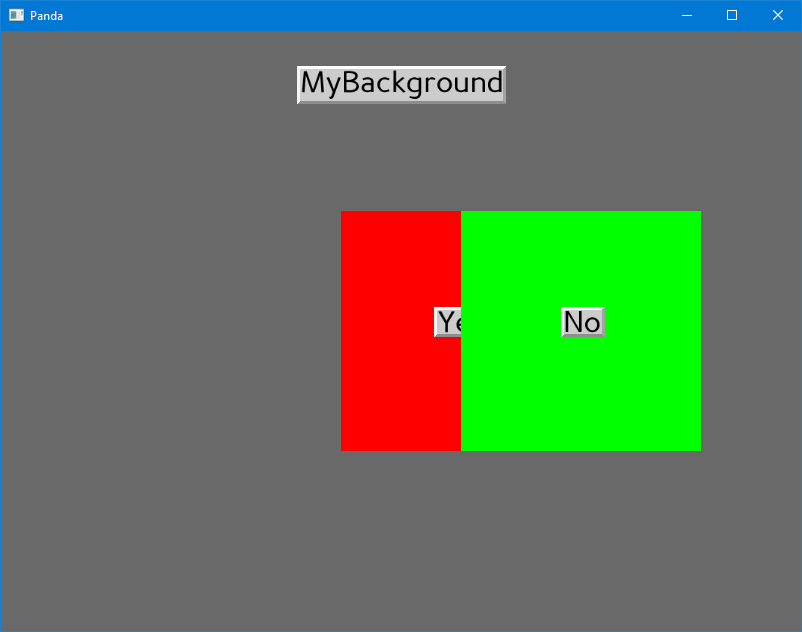
This can be seen by taking the code from the example labelled “wrong”, and replacing the alpha-value of its frame-colour with a value between zero and one: this should result in the DirectFrame becoming semi-transparent, and as a result, in the button becoming partially visible behind it.
See the following test-program:
from direct.showbase.ShowBase import ShowBase
from direct.gui.DirectGui import DirectFrame, DirectButton, DGG

class Game(ShowBase):
    def __init__(self):
        ShowBase.__init__(self)

        #frameAlpha = 1   # Makes the button "disappear"
        frameAlpha = 0.5  # Makes the button partially visible

        self.background = DirectFrame(frameSize=(-2048, 2048, -2048, 2048), frameColor=(.25, .25, .25, frameAlpha))

        self.button = DirectButton(self.a2dRightCenter, text=("center",), scale=.07, pos=(-.25, 0, 0))

app = Game()
app.run()
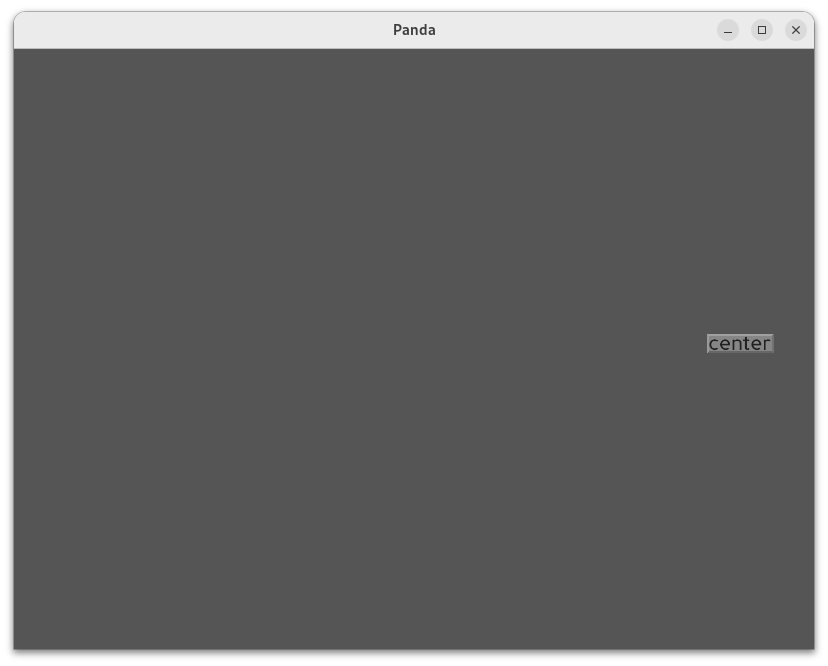
Note the “frameAlpha” variable: the commented-out value gives your original result, while the uncommented value should give a partially-visible button due to a semi-transparent DirectFrame.
See screenshots below:
With “frameAlpha = 1”
With "frameAlpha = 0.5
(You can also see the sheer covering extent of the DirectFrame by making it a more-prominent colour, like green.)
[edit]
That said, I am a little surprised that the DirectFrame renders “in front of” the DirectButton, given that the button is made after the frame: I would expect them to render in order of parenting. Perhaps one class or the other has an explicit bin or sort-order applied that forces this render-order?