Hello there! Huh, this is my third post within two days… I’m a real noob.
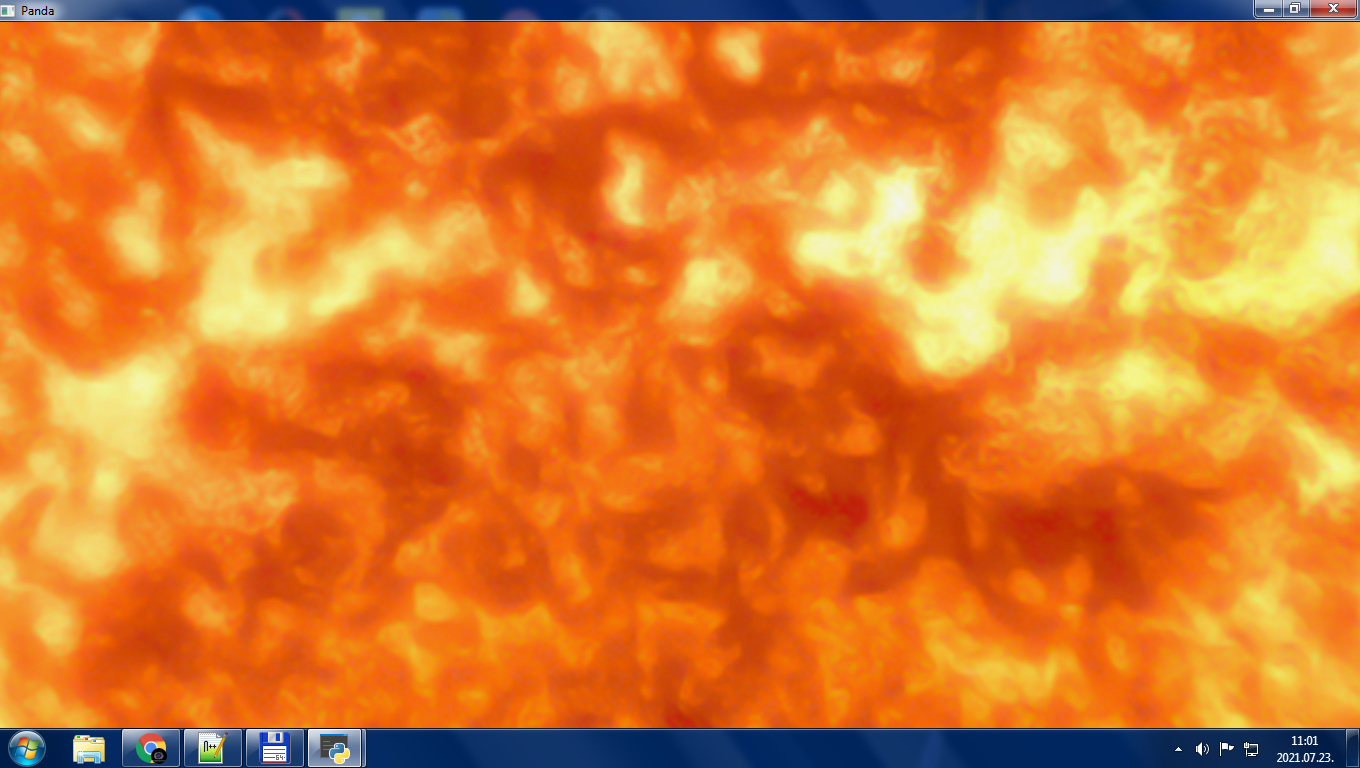
Well, the problem is that I have light and it works fine, except there is no light on the surface of the Sun. It is the light source, so it would make sense for it to be shiny, right?
So, the manual says:
“Note that, unlike a real, physical light bulb, the light objects are not themselves directly visible. Although you can’t see a Panda light itself, you can see the effect it has on the geometry around it. If you want to make a light visible, one simple trick is to load a simple model (like a sphere) and parent it directly to the light itself.”
I have done that. No effect.
Code:
class MyApp(ShowBase):
    def __init__(self):
        ShowBase.__init__(self)
        names = ['mercury', 'venus', 'terra', 'mars', 'jupiter', 'saturn', 'uranus', 'neptune']
        bg = loader.loadModel("models/plane.egg")
        bg.setPos(0, 10000, 0)
        bg.setScale(20000)
        bg.reparentTo(camera)
        tex = loader.loadTexture("models/stars.jpg")
        bg.setTexture(tex, 1)
        Sol = loader.loadModel("models/Sun.bam")
        texture = loader.loadTexture("models/8k_sun.jpg")
        t = TextureStage("stage1")
        t.setTexcoordName("0")
        plight = PointLight('plight')
        plnp = render.attachNewNode(plight)
        plnp.setPos(0, 0, 0)
        render.setLight(plnp)
        alight = AmbientLight('alight')
        alight.setColor((0.2, 0.2, 0.2, 1))
        al = render.attachNewNode(alight)
        render.setLight(al)
        Sol.setTexture(t, texture, 1)
        Sol.reparentTo(plnp)
        Sol.setScale(3)
        self.planetgen(names)
        self.astergen()
Pictures:
Inside the Sun:
Outside:
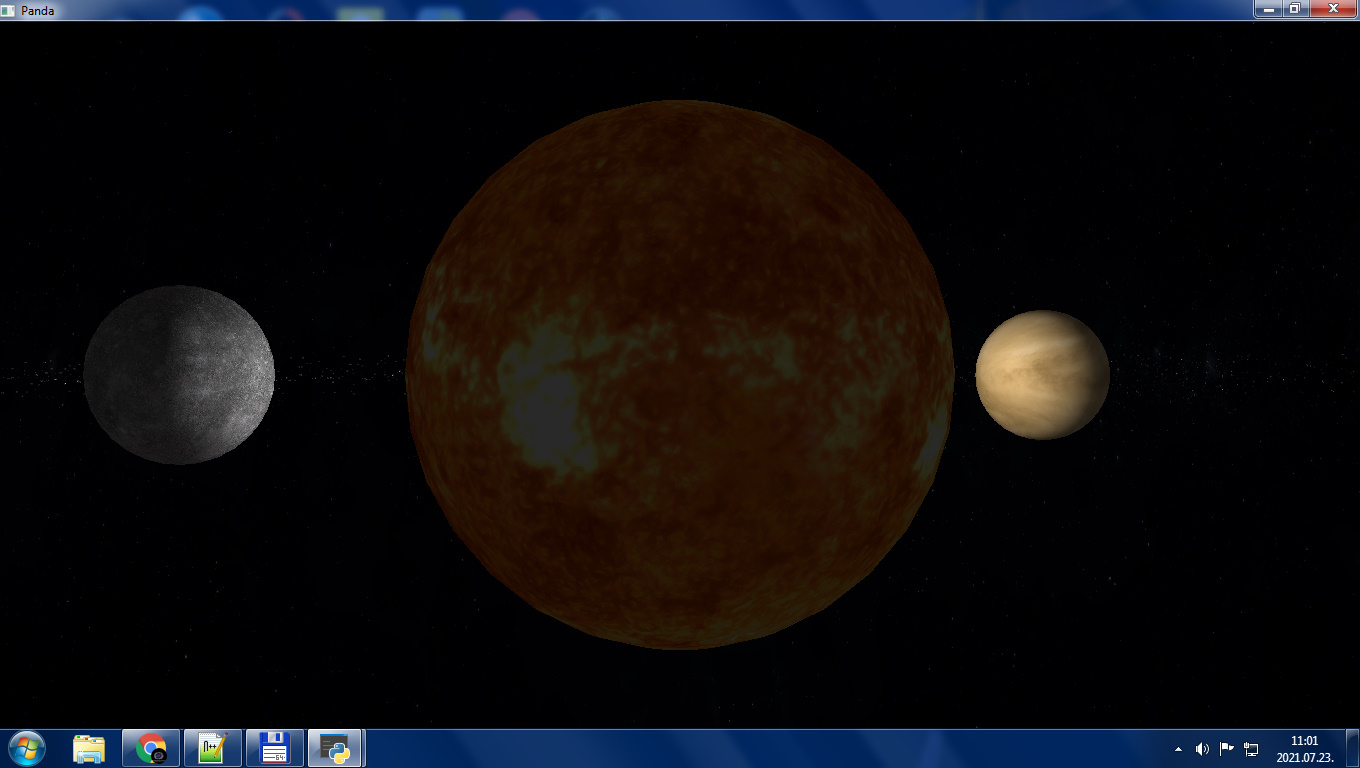

I know, there is light on the outside Sun, but this is just AmbientLight.
Can somebody please help me about this?