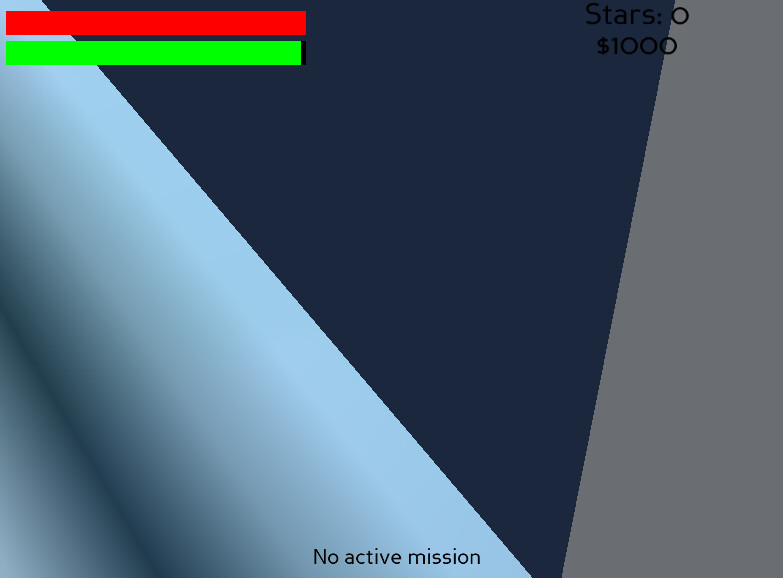
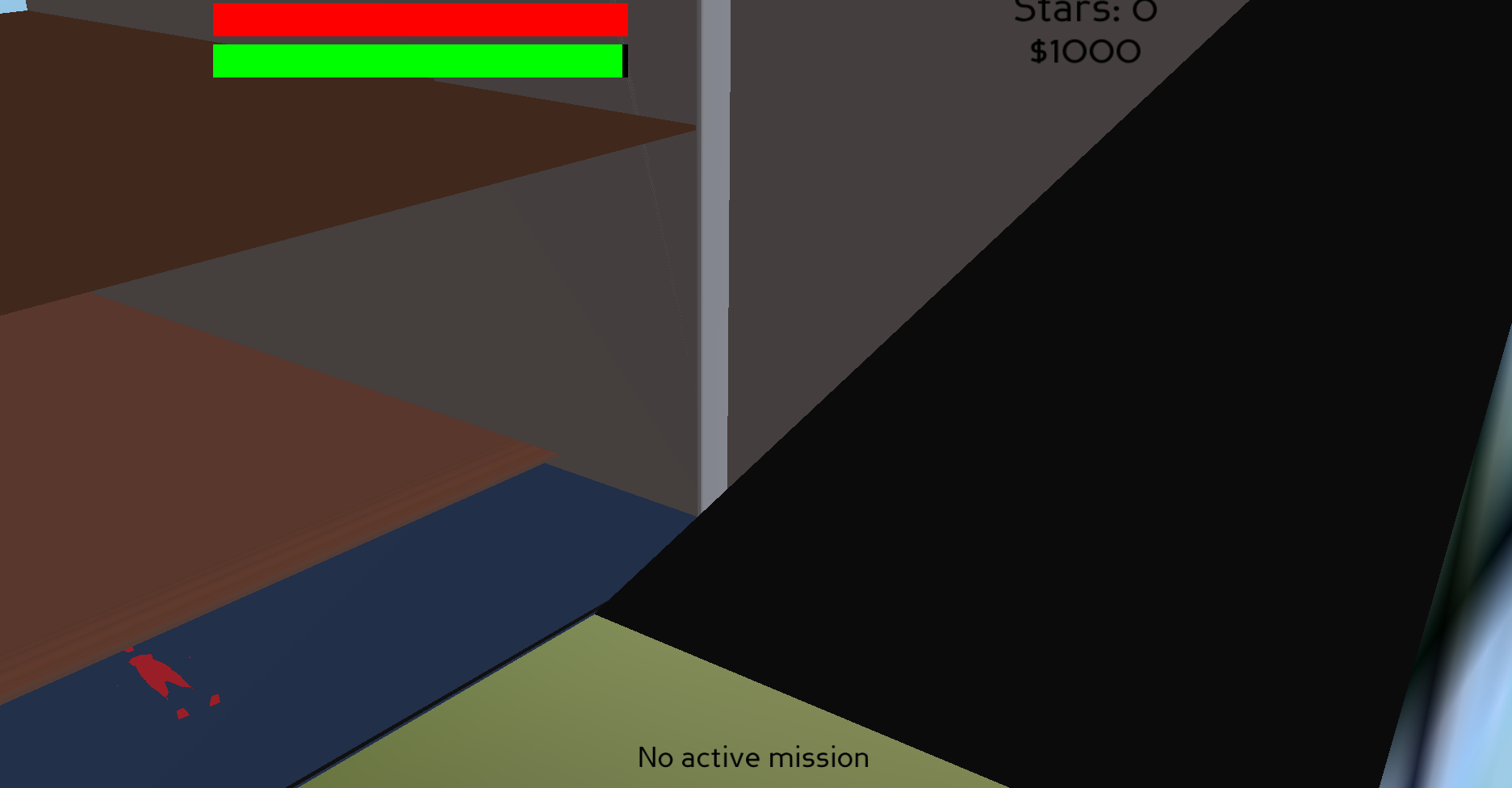
so no matter WHAT i try to do, i’ve been getting this same error over and over again:
OSError: Could not load model file(s): [‘cube.glb’]
i haven’t found any way to fix it at all, and i haven’t seen any other posts that cover this
my code is like ~1200 lines long so it probably wouldn’t fit. the python script works perfectly fine but when i convert it to an exe, it just breaks
even if i move it to the same exact directory as the script, it can’t find it
Have you tried using pyinstaller? I have gotten good results with it. Also, Panda3D has built-in deployment functionality which should work for most projects.
yep, that completely broke everything the one time i tried it, and i’ve been alternating between cx_Freeze and build_apps and neither of them seem to work.
You say that your program is quite long; have you tried building a small test-program, thus potentially isolating the issue–or at least providing something that we can experiment with?
Depending on what the problem is, this could be as simple as a program that does nothing more than load and display a glb model, and whatever cx_Freeze requires to make a build.
Then, if that doesn’t produce the issue, you might experiment with aspects of your main program, to see if you can find what prompts the issue to appear in the smaller program.
At this point, are you seeing any output in the terminal? (Or the log-file, if you’re making a non-terminal build. If you’re not producing a log-file, look for a way to produce one with cx_freeze. (It can be done with build_apps, as I recall.))
I’ve seen that error before (in my own projects and from others here on the forum): it can arise when a scaling factor is set to zero.
Note that this can happen not only in code, but in things like animations (such as having a bone/joint of an armature scaled to zero).
Note also that it doesn’t only arise from the entire scale being zero; a scale of zero on one dimension–e.g. just the y-scale being zero) can cause this.
It is odd that the program works when not built as an executable, however.
Perhaps there’s some model-format conversion code running that functions slightly differently in the two environments, or a different version of which is imported into the build, and that’s resulting in a very-small-but-non-zero scale in Python…
Maybe try swapping out just that model for something non-animated, and see whether this problem persists?
(And it might be worth checking, just to be safe, whether you have any scaling factors–or logic that might produce scaling factors–in which one or more components are zero.)
Hmm… Then it might be something lurking in your code somewhere.
What happens if you create a very simple program that does nothing more than load and display the object that you’re having trouble with?
If the problem doesn’t appear there, then the issue might lie in your code–or in some third-party tool or API that you’re using, if any.
That implies to me an issue with coordinate systems. (i.e. Panda uses a Z-up, Y-forward, X-right coordinate system; perhaps the models were made with, say, a Y-up coordinate system.)
I myself don’t know much about detecting and dealing with that sort of issue–but I think that I’ve seen discussion of such elsewhere on the forum, so I’d suggest doing a forum-search for more information.
That very much suggests a coordinate-system issue there.
If so, then I imagine that it’s a separate issue from the main one that you’re experiencing, with “exploded” objects and matrix-errors.
Returning then to the distorted object and the matrix-errors, do you see the same “exploded” object and the same matrix-errors if you load the object in a simple test-program? (Your earlier post wasn’t quite clear about that, to me.)
[edit]
Actually, let me ask: In your main program, do you have any code that changes an object’s scale? Any code at all?